


 Growth Strategist
Abhishek Sharma
Growth Strategist
Abhishek Sharma
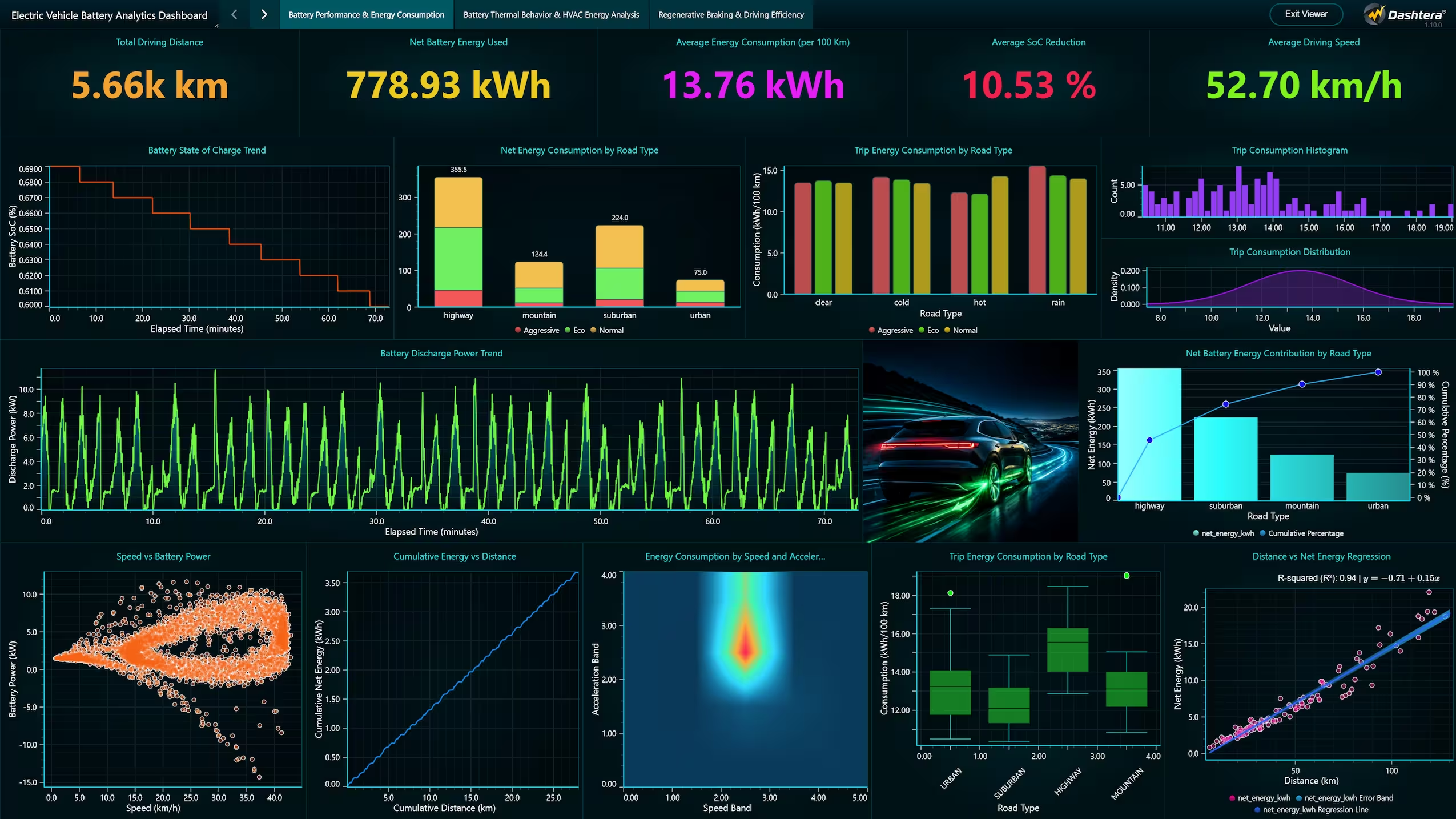
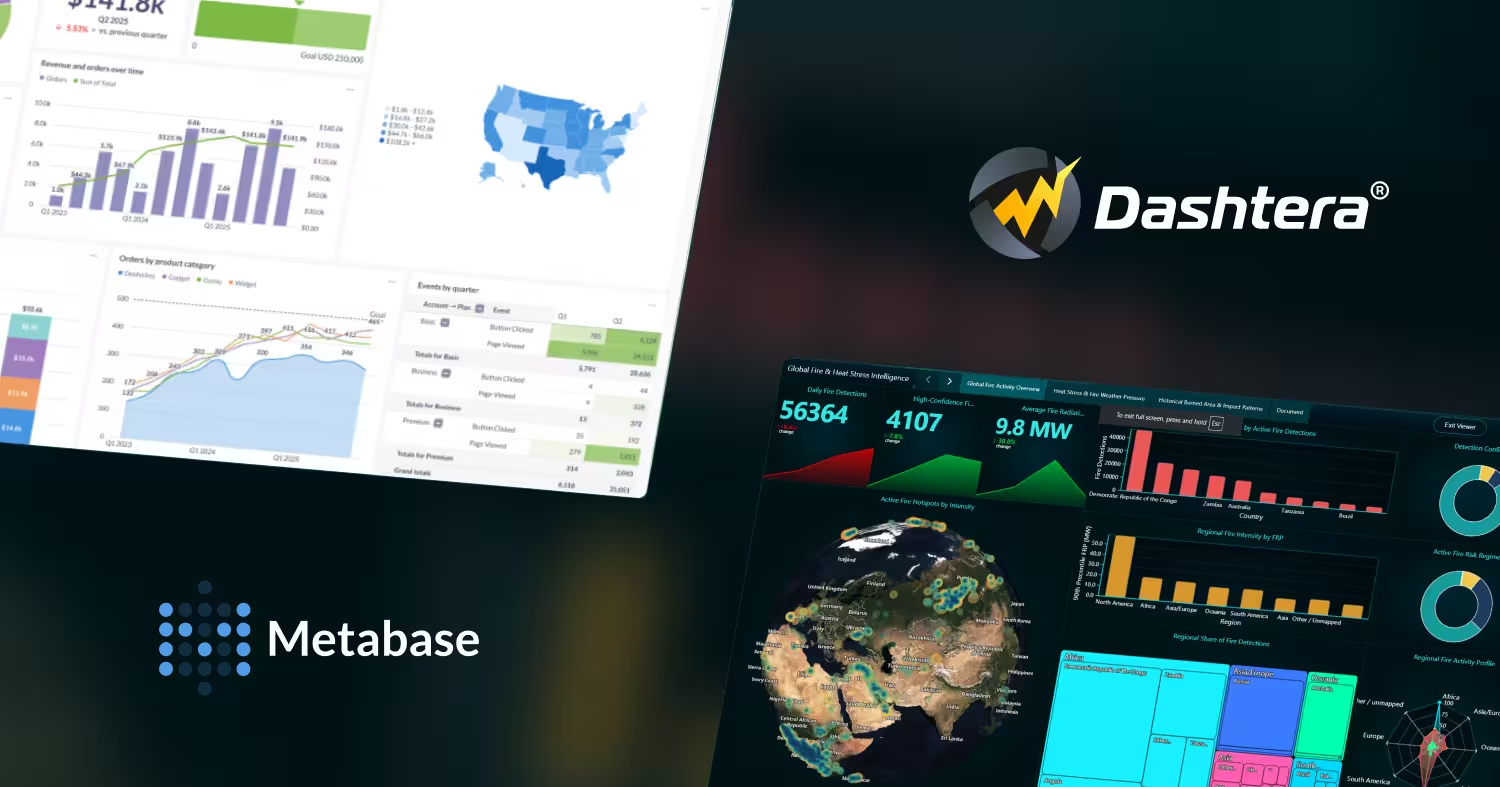
Metabase is a capable self-service BI tool for batch analytics. It has no real-time streaming, no 3D charts, no specialist engineering visualization, and a Cloud Pro tier that moved to $575 per month in April 2026. Dashtera covers those gaps with GPU-accelerated real-time dashboards, native Prometheus, InfluxDB and WebSocket connectors, 3D charts built in, and a free hosted plan that needs no self-hosting.
Metabase is used by over 60,000 companies, and its strengths are real.
Metabase is a batch BI tool. It queries on demand or on a schedule. There is no WebSocket streaming, no live time-series connection and no continuously updating dashboard. For monitoring anything that changes by the second, it is not a candidate at any tier.
Metabase added a Cloud Pro tier in April 2026 at $575 per month for 10 users, well above the previous top tier. Teams that budgeted on the older pricing now face a much larger bill for row-level security, interactive embedding and white-labelling.
The Community Edition still needs provisioning, upgrades, security patching, backups and monitoring. For teams without DevOps capacity, that hidden operational cost frequently exceeds what a managed alternative would have cost outright.
Metabase covers line, bar, pie, scatter, maps and pivot tables. There are no 3D charts, no spectrograms, no polar charts and no financial technical analysis charts, which rules it out for most engineering, scientific and trading work.
Metabase pushes queries down to the source and renders results in the browser on the CPU. Dashboards with many cards on large tables feel slow unless you invest in caching, materialised views or a warehouse tuned for it.
Dashtera keeps the part of Metabase that people like, which is that non-technical users can build their own dashboards, and adds the parts Metabase's architecture cannot provide: live streaming, GPU rendering and specialist chart types.
| Real-time connectors | Prometheus, InfluxDB 1, InfluxDB 2, InfluxDB 3, TimescaleDB, WebSocket |
|---|---|
| Database and cloud | Google BigQuery, PostgreSQL, MySQL, MS SQL, MariaDB, MongoDB, Snowflake, Redis, Elasticsearch, Apache Cassandra, Databricks, Trino |
Paid plans include unlimited data connectors, so connecting PostgreSQL, MongoDB or Snowflake costs the same as connecting Google BigQuery, with no per-source surcharges. Real-time streaming from Prometheus, InfluxDB, TimescaleDB and WebSocket is available as an add-on to any paid plan. The full list is on the data connectors page.
Real-time connectivity
With the real-time streaming add-on, Prometheus, InfluxDB 1/2/3, TimescaleDB and WebSocket stream directly into charts with no refresh schedule. That covers IoT fleets, industrial process monitoring and market data, none of which fit a batch BI model.
GPU-accelerated rendering
Every chart type renders on the GPU through WebGL, sustaining 60 frames per second at data densities where browser-rendered dashboards stall. The heavy lifting moves off your database and off the CPU.
3D charts, spectrograms and financial charts
The Engineering and Science plan includes 3D charts, spectrograms, polar charts and waveform displays. The Finance and Trading plan adds over 100 technical indicators and 30 plus drawing tools.
Video Panel and Data Playback
Video Panel embeds live or recorded video beside the charts. Data Playback replays historical data through the live dashboard at configurable speed. Neither exists in Metabase.
A free plan that does not require you to host anything
Metabase Cloud starts at $100 per month; the free option means self-hosting. Dashtera Basic is free, hosted, with no time limit and no credit card, and on-premises deployment is available when you want it rather than when you have no alternative.
| Capability | Dashtera | Metabase |
|---|---|---|
| Real-time streaming | Yes, real-time streaming add-on | No, scheduled or on-demand queries |
| Self-service for non-technical users | Yes, drag and drop | Yes, visual query builder |
| SQL-free exploration of a database | Visual editor over connected sources | Strong, question-based model |
| GPU rendering | Yes, WebGL | No |
| 3D charts | Yes | No |
| Spectrograms and polar charts | Yes, Engineering plan | No |
| Financial technical indicators | Yes, 100+ (Finance plan) | No |
| Video Panel | Yes | No |
| Data Playback | Yes | No |
| Prometheus / InfluxDB / TimescaleDB | Yes, streaming add-on | No |
| Free hosted plan | Yes, Basic, no card | Cloud starts at $100 per month |
| Self-hosted option | Yes, on-premises with full parity | Yes, Community Edition |
| Open source | No, commercial with a free plan | Yes, AGPL v3 |
| Embedding | Yes, including OEM white-label | Static free, interactive on paid tiers |
Self-hosted only, AGPL v3. Full core features, community support. Infrastructure and maintenance are yours.
5 users included, about $6 per additional user. Managed hosting, email support.
10 users included, about $12 per additional user. Row-level security, interactive embedding, white-labelling. Added April 2026.
Custom pricing, dedicated support, air-gapped deployment.
Basic 2D charts, up to 3 charts per dashboard, 500 data points, CSV, JSON, XML and Excel import, 100 MB storage. No credit card, no time limit. Database connectors and real-time streaming are not included.
Unlimited charts and data points, SQL database queries, unlimited data connectors, advanced sharing, 1 GB storage. Real-time streaming available as an add-on.
Everything in Business Intelligence plus advanced XY charting, full 3D charting, polar charts and engineering and scientific chart types.
Everything in Engineering and Science plus technical analysis charts, 100+ indicators and 30+ drawing tools.
How Dashtera plans fit together
Basic is free and covers file-based dashboards with basic 2D charts. The paid plans add unlimited charts and data points, SQL database queries and unlimited data connectors, with Engineering and Science adding 3D and polar charting and Finance and Trading adding technical analysis. Real-time streaming, statistics charts, map charts and machine learning are add-ons to any paid plan, and annual billing saves 17 percent. Full detail is on the pricing page.
Choose Dashtera when:
you need real-time streaming from IoT devices, time-series databases or financial feeds. Your work involves engineering, scientific or trading visualization that needs 3D charts, spectrograms or technical indicators. You want a hosted free plan without running infrastructure. You want GPU rendering rather than depending on database tuning for dashboard speed.
Stay with Metabase when:
your priority is letting business users explore a SQL database by asking questions, and batch refresh is fine. You already run the Community Edition and the operational overhead is comfortable. Open-source licensing is a firm requirement. Your dashboards are standard business reporting rather than real-time or specialist visualization.
No code required. Start free on the Basic plan with no credit card, then add database connectors, advanced charts or real-time streaming when you need them. Annual billing saves 17 percent.
Start for free See all plans Real-time examplesDashtera is the strongest alternative for teams needing real-time streaming, GPU-accelerated rendering, 3D charts or specialist engineering and financial visualization. For teams whose core requirement is open-source, self-hosted, SQL-free exploration of a database, Metabase Community Edition remains a good fit.
Open Source is free but self-hosted. Cloud Starter is $100 per month for 5 users, with roughly $6 per additional user. Cloud Pro is $575 per month for 10 users, with roughly $12 per additional user, and was added in April 2026. Enterprise starts near $20,000 per year.
No. Metabase queries data on demand or on a schedule, with no WebSocket streaming and no live time-series connections. Dashtera provides native Prometheus, InfluxDB 1/2/3, TimescaleDB and WebSocket connectors that stream continuously into GPU-rendered charts.
The Community Edition is free to licence, but you host it yourself, which means servers, upgrades, patching, backups and monitoring. Managed hosting starts at $100 per month. Dashtera Basic is free, hosted, with no time limit and no credit card required, though database connectors require a paid plan.
Yes, through the visual dashboard editor with filtering, grouping, aggregation and drill-down configured without code. Metabase's question-based exploration model is more oriented to ad-hoc querying of a single database, whereas Dashtera is oriented to building dashboards across many sources, including live ones.
Yes. Dashboard sharing is built in, and an OEM and white-label service model is available for embedding Dashtera into your own product under your own branding, without the per-tier restrictions Metabase applies to interactive embedding.
Share: