Elementary charts that are used in practically all data visualization and analytics projects, no matter what purpose you aim to achieve.
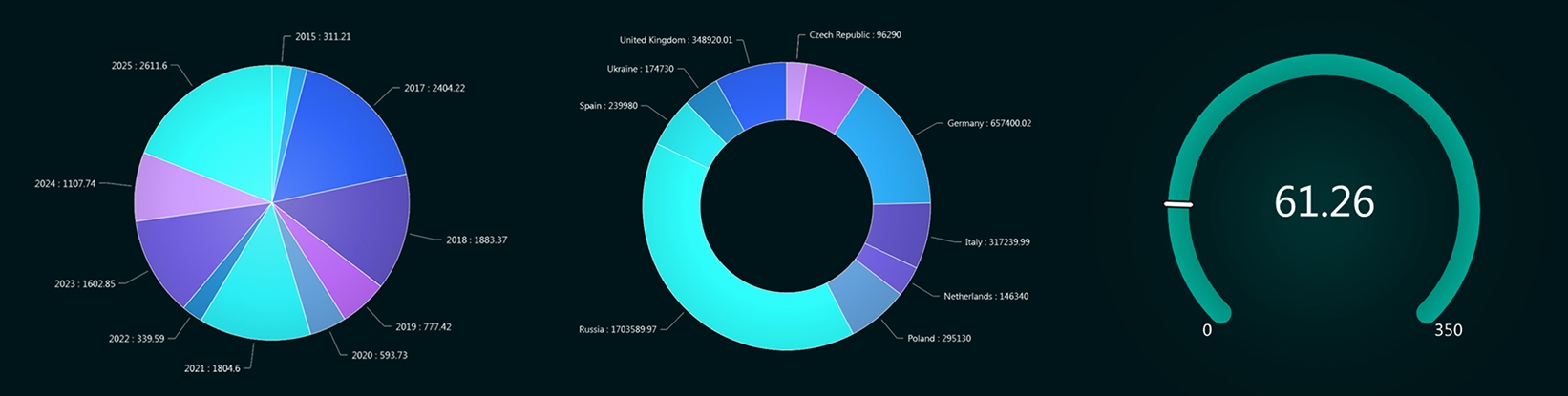
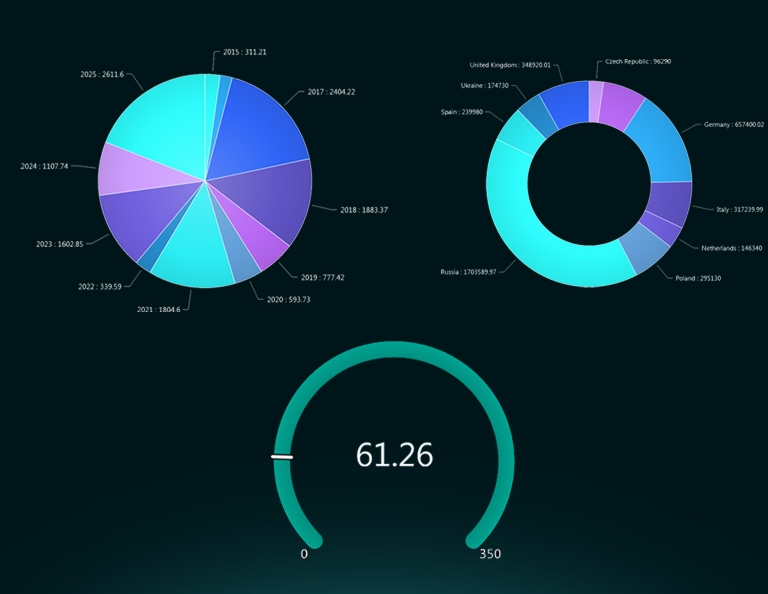
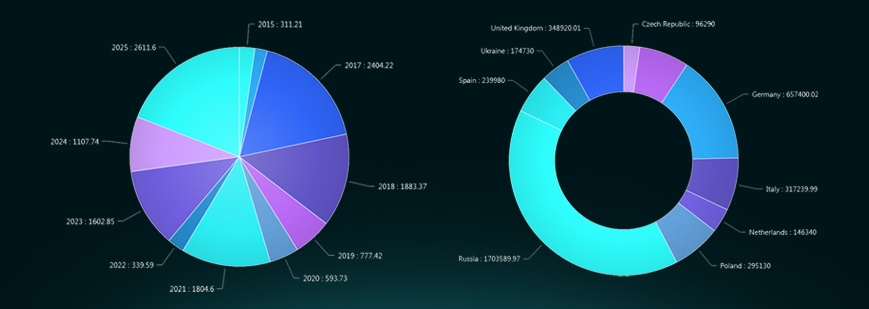
Pie Chart: Use a pie chart to show how a whole is divided into parts. It is most effective when you have a small number of categories and want to highlight proportional relationships (e.g., market share or budget distribution). The goal is quick visual comparison of percentages that sum to 100%.
Donut Chart: A donut chart serves the same purpose as a pie chart but leaves a hole in the center, which can be used to display totals or key metrics. It is often chosen for dashboards because it looks cleaner and allows additional information in the center while still communicating proportions.
Pyramid Chart: Pyramid charts visualize hierarchical or staged data that narrows from top to bottom, such as sales funnels, organizational structures, or population distributions. They help communicate decreasing quantities across stages and are useful when showing progressive filtering or attrition.
Spider Chart (Radar Chart): Spider charts compare multiple variables across the same scale for one or more entities. They are useful for performance analysis, skill assessments, or product comparisons where several dimensions need to be evaluated simultaneously.
Gantt Chart Gantt charts are used for project management to display tasks along a timeline. They show start dates, durations, dependencies, and overlaps between activities, making them ideal for planning, tracking progress, and coordinating project schedules.
Gauge Chart: Used to show progress toward a single goal or KPI. It quickly communicates whether a value is within a target range, such as performance against a threshold.
Funnel Chart: Used to visualize stages in a process where values decrease step by step, such as sales pipelines or conversion flows.
Map Chart: Used to display data across geographic regions. It helps identify spatial patterns, such as metrics by country, region, or city.
Treemap Chart: Used to display hierarchical data with rectangles sized by value. It allows quick comparison of proportions within categories and subcategories.
Bring your data to life with Dashtera
Start building your dashboards now and unleash your data insights.