Playback
Features
Playback
Features
Replay Historical Data Like a Live Event
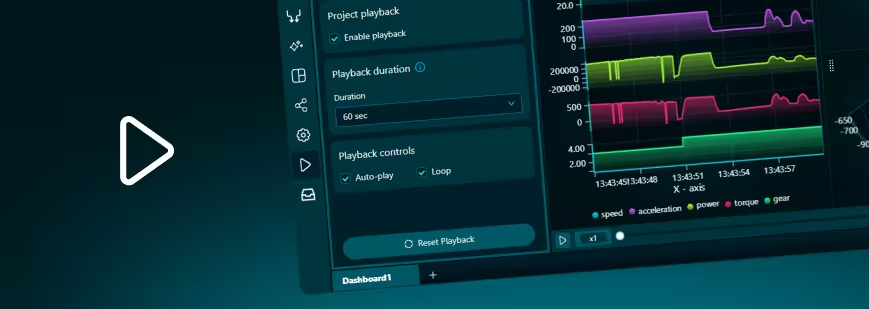
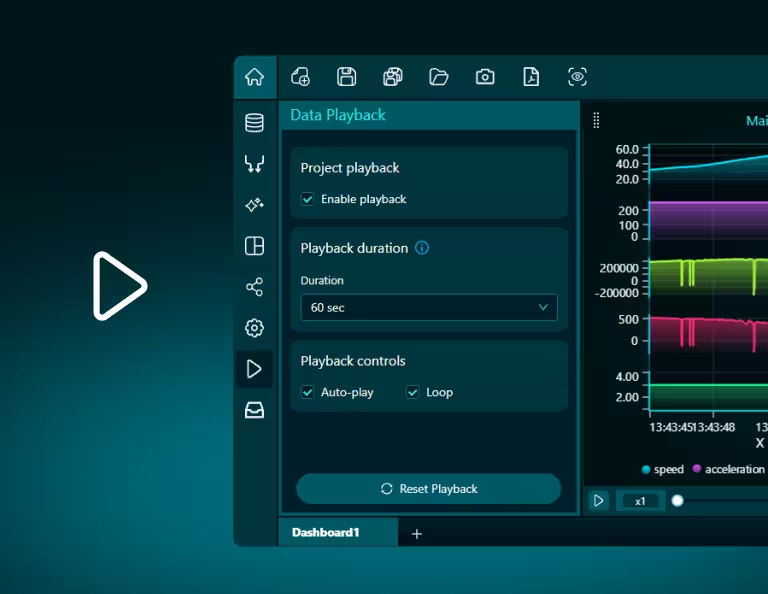
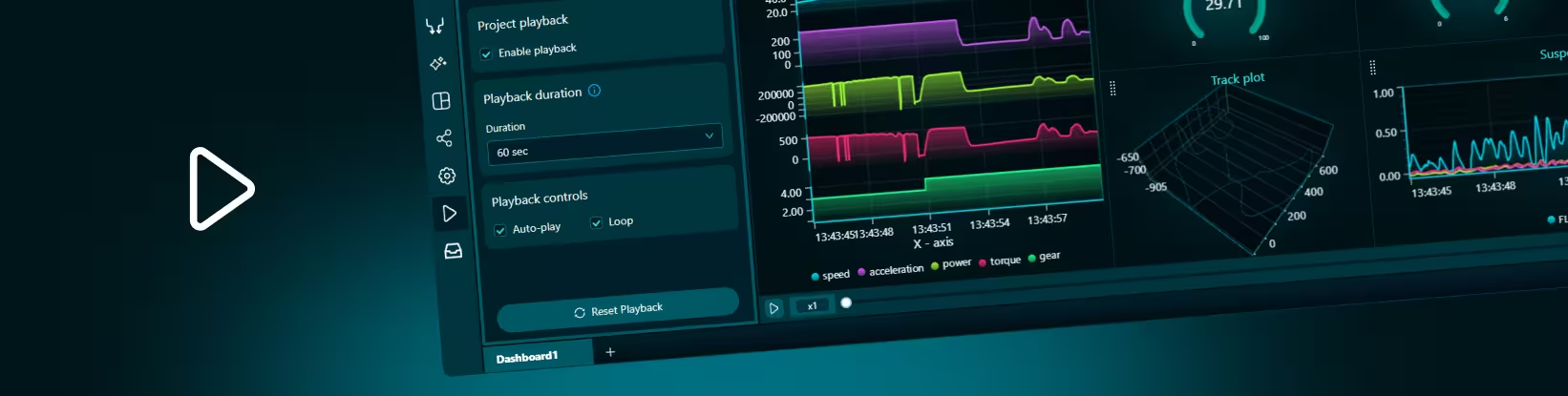
Dashtera’s Playback feature lets users replay historical datasets and queries as if they were happening in real time.
Instead of looking only at static charts, users can press play, move through time, change playback speed, pause at key moments, and scrub to any point in the timeline.
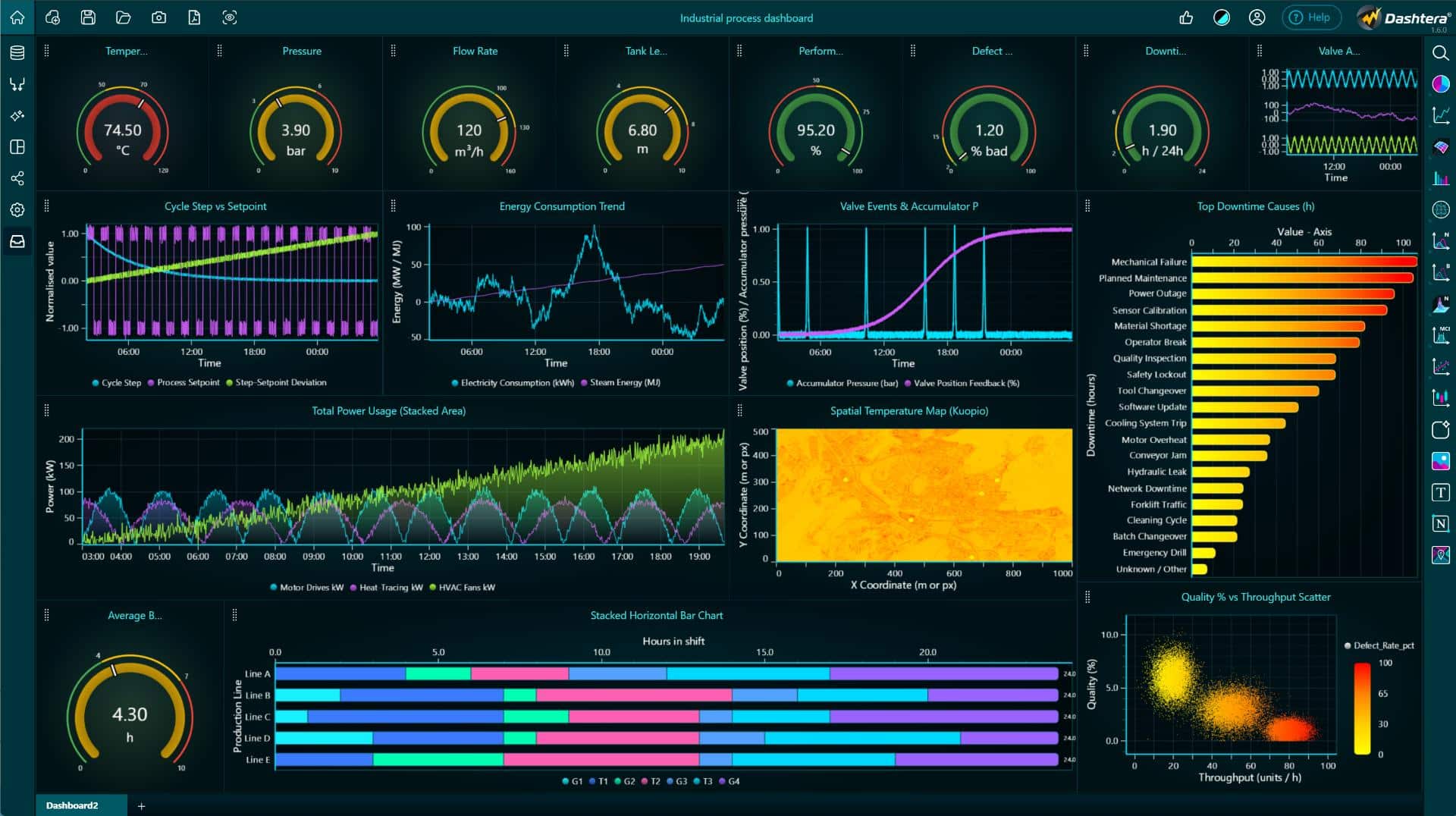
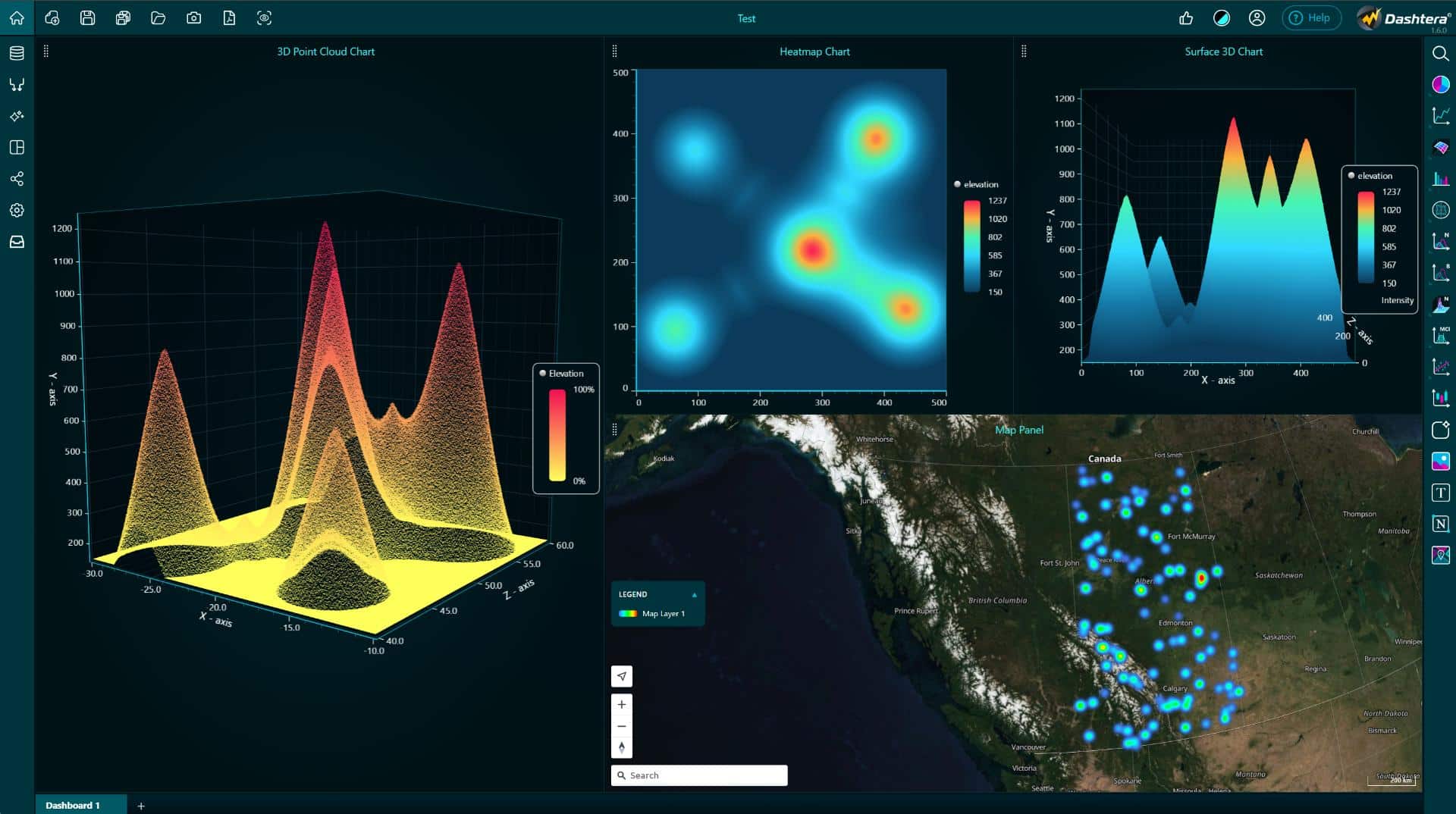
As the playback moves, the entire dashboard can update with it. Charts, tables, gauges, maps, and video can stay synchronized, creating a more natural way to explore how events unfolded over time.
Playback is especially useful for time-based data such as telemetry, sensor data, financial signals, IoT streams, operational events, machine performance, movement data, and incident analysis.
See How Events Unfolded Over Time
Static dashboards show a snapshot. Playback shows the sequence.
With Playback, users can understand how data changed before, during, and after an important event. They can identify when something started, how fast it developed, which metrics changed together, and what happened at the exact moment of interest.
For example, in a motorsports telemetry dashboard, users can replay a lap and watch cockpit video, speed, RPM, tire temperature, acceleration, gear, and track position move together. If tire temperature spikes, users can scrub to that moment and immediately see what happened in the video and across the data.
Benefits
- Investigate faster– replay historical data to understand exactly when and how something happened.
- Control the timeline– pause, rewind, fast-forward, slow down, or scrub to any moment in the dataset.
- Understand cause and effect – see how multiple metrics changed together and identify relationships that may be missed in static charts.
- Explain insights more clearly – use playback to present complex events as a visual story instead of a static report.
- Synchronize every visual – keep charts, gauges, tables, video, maps, and other visuals aligned on the same timeline.
Control How Data Is Replayed
Playback gives users several ways to control how historical data appears during replay. This makes it useful for both detailed analysis and presentation-style storytelling.
Users can choose whether to show the current playback position over a full dataset, rebuild the dataset progressively from the beginning, or simulate a real-time feed with a moving time window.
This flexibility allows teams to adapt Playback to different use cases, from incident review and telemetry analysis to operational monitoring and data storytelling.
Bring your data to life with Dashtera
Start building your dashboards now and unleash your data insights.
Start for Free