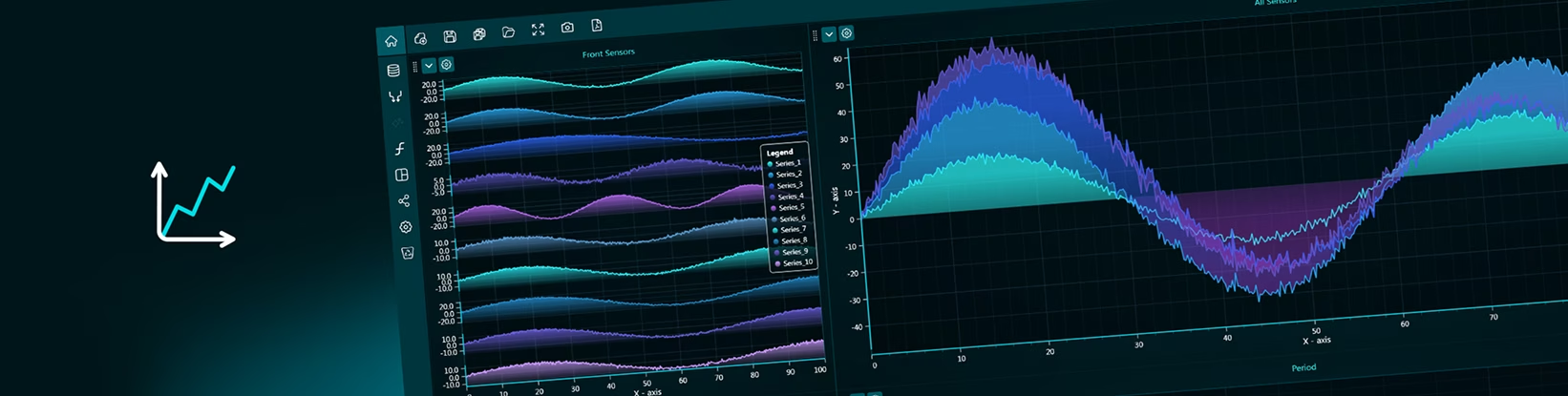
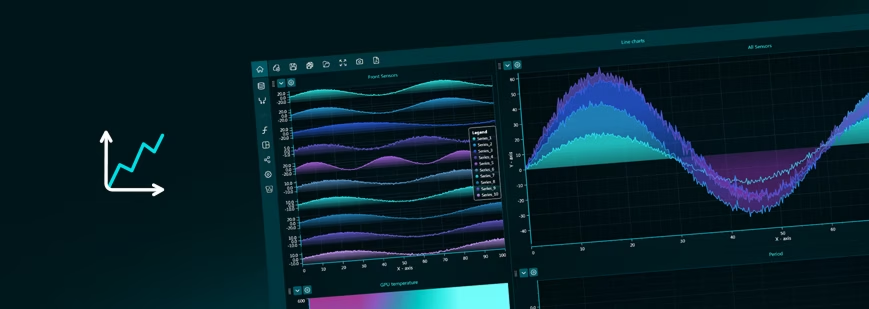
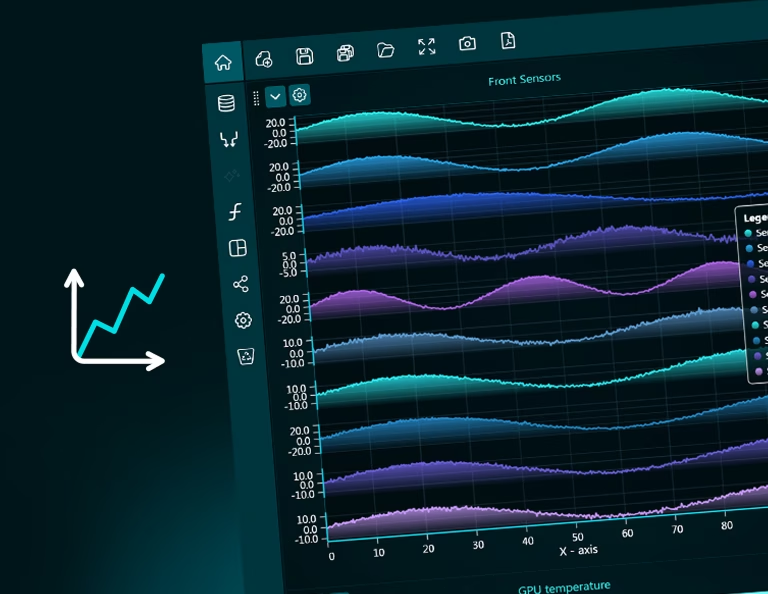
The XY charts category includes a wide range of Cartesian chart types. Some of these enable several axes to be added, and different series types to be combined in the same chart. All the charts have linear scales as default, but logarithmic scales can be enabled from the settings, for many of the charts within the XY charts group.
Line Chart: Use to show trends over time or continuous data. Ideal for tracking changes, patterns, and fluctuations.
Area Chart: Use to emphasize magnitude in addition to trends. The filled area highlights volume or total value over time.
Stacked Line Chart: Use to compare trends across multiple series while also showing their cumulative progression.
Stacked Area Chart: Use to show both total growth and how individual components contribute to that total over time.
Point Line Chart: Use to show trends while keeping individual data points visible. Useful when exact values matter alongside the overall pattern.
Point Chart: Use to display individual observations without connecting lines. Ideal for distributions, clusters, or scatter-type analysis.
Spline Chart: Use to show smooth trends over time. Best when you want a more visually continuous flow rather than sharp changes.
Spline Area Chart: Use to highlight smooth trends with emphasis on magnitude. Combines flow and volume for more visual impact.
Step Chart: Use to show changes that occur at specific intervals. Ideal for data that updates in discrete steps rather than continuously.
Step Area Chart: Use to emphasize stepped changes while also highlighting magnitude over time. Useful for cumulative or staged values.
Polygon Chart: Use to represent shapes or enclosed areas defined by data points. Often used in spatial, geometric, or custom visualizations.
Segment Chart: Use to display individual value ranges or intervals. Helpful for comparing spans, durations, or discrete measurements.
Area Range Chart: Use to show the range between minimum and maximum values over time. Useful for variability, uncertainty, or confidence intervals.
Pareto Chart: Use to identify the most impactful factors. Combines bars and a cumulative line to highlight the “vital few” contributors.
Parallel Coordinates: Use to compare multiple variables across many observations. Ideal for high-dimensional data analysis and pattern detection.
Parallel Dataset: Use to visualize relationships across multiple dimensions or datasets simultaneously, focusing on how variables interact.
Heatmap Chart: Use to show value intensity through color. Ideal for spotting patterns, correlations, or concentrations in large datasets.
Bring your data to life with Dashtera
Start building your dashboards now and unleash your data insights.