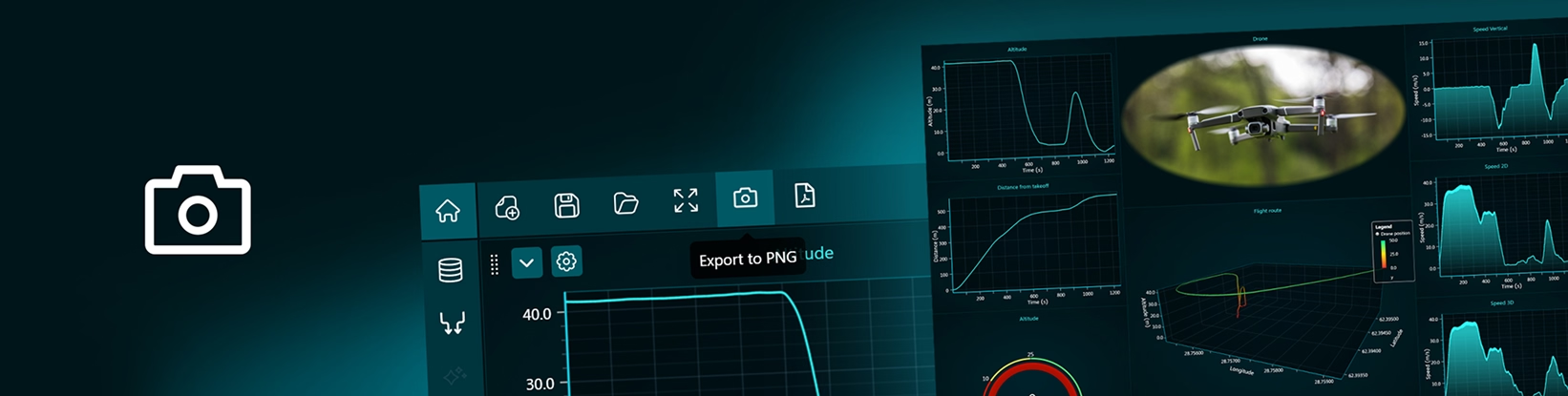
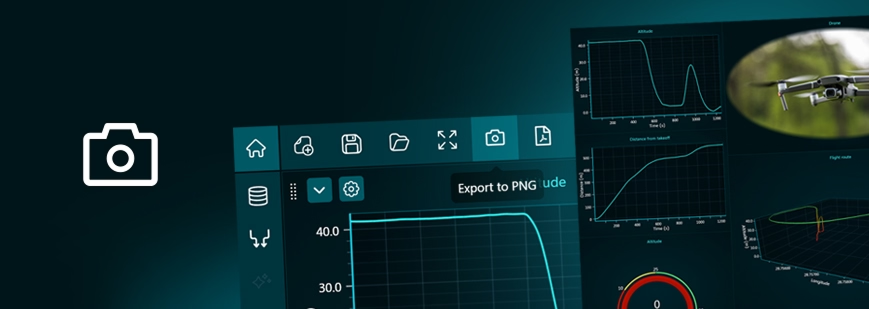
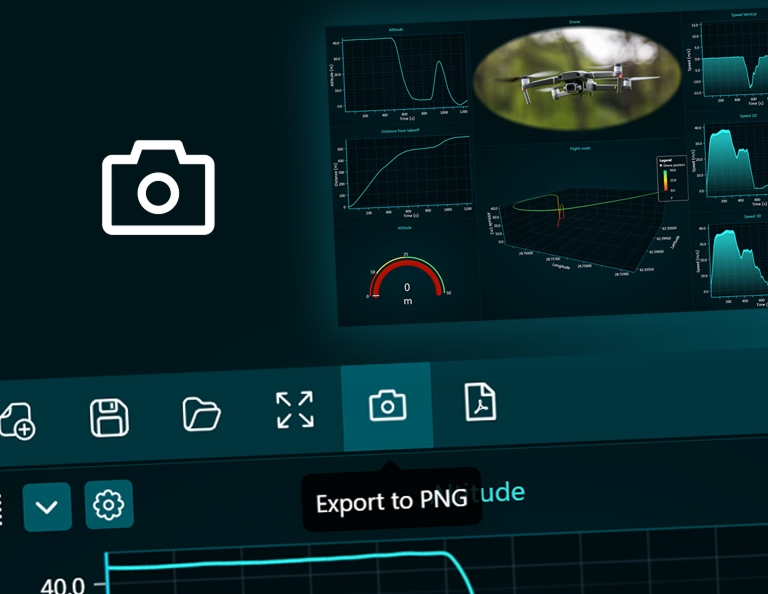
You can easily export your dashboards as a PNG by selecting the Export to PNG button in the tools bar. A PNG file will be generated using the current resolution of your screen, ensuring that what you see is exactly what gets exported. This makes it simple to capture the current state of your dashboard without any additional configuration or setup.
Exporting as PNG is especially useful when you need quick, high-quality visuals for reports, presentations, or documentation. The exported image preserves the layout, styling, and visual details of your dashboard, making it ideal for sharing insights with stakeholders who may not have direct access to the platform. It also works well for creating static snapshots of dynamic data at a specific moment in time.
Additionally, PNG exports are lightweight and widely supported across tools and platforms, allowing you to easily embed them into slides, documents, or emails. This feature helps streamline communication, improve collaboration, and ensure that your data is presented clearly and consistently in any context.
Bring your data to life with Dashtera
Start building your dashboards now and unleash your data insights.