Integration

Oracle

Turn Oracle Data into Enterprise-Grade Dashboards

Oracle databases often sit behind the systems that run the business: finance, ERP, operations, customer records, transactions, inventory, supply chain, reporting, and enterprise applications.

Dashtera helps teams turn Oracle query results into fast, interactive dashboards for business intelligence, operational visibility, financial reporting, and executive decision-making.

Connect Oracle, run your queries, and visualize the results with high-performance charts, KPIs, tables, maps, gauges, and dashboard panels — without building a custom reporting frontend.

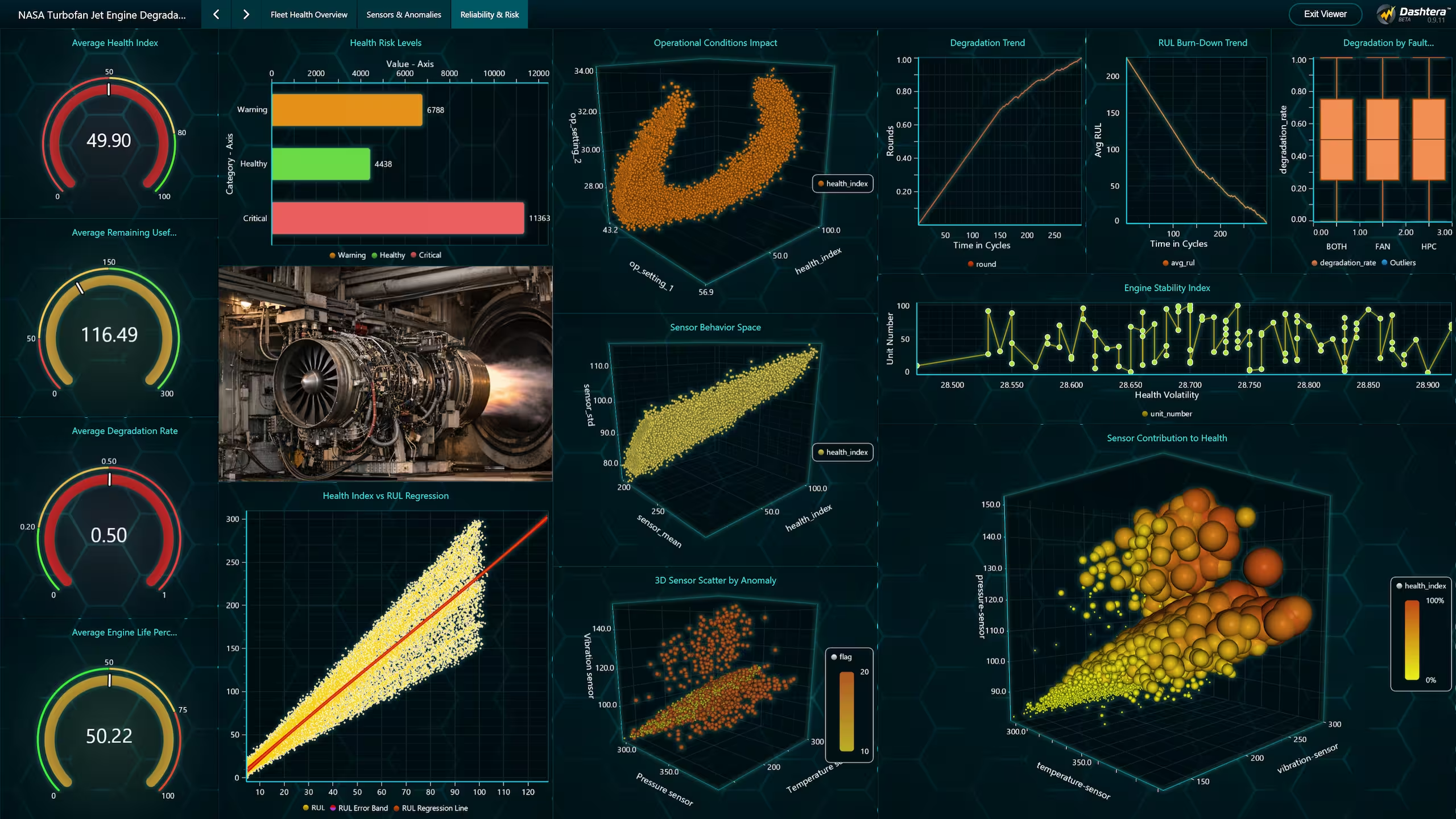
Turbofan-engine-reliability-health-analytics-risk
Snowflake-integration

Give Oracle Data a High-Performance Visual Frontend

Oracle databases are powerful and trusted, but enterprise data often stays locked inside database tables, SQL reports, legacy tools, or manually prepared spreadsheets.

Dashtera helps turn Oracle query results into dashboards that are easier to explore, explain, and share across the organization.

Key benefits

Build dashboards from Oracle queries
Use Oracle query results as the foundation for interactive charts, KPIs, tables, gauges, maps, and dashboard panels.

Reduce manual reporting work
Replace recurring exports, spreadsheet cleanup, and static reporting workflows with reusable dashboards connected to Oracle data.

Create visibility across enterprise workflows
Track revenue, transactions, customers, orders, invoices, inventory, account status, support activity, supply chain data, or operational processes.

Support business and technical teams
Let analysts, database teams, and engineers prepare the right Oracle query outputs while business users consume the data through clear visual dashboards.

Visualize large enterprise datasets smoothly
Use Dashtera’s high-performance visualization layer to explore complex Oracle datasets, dense charts, time-based records, and operational views.

Build internal reporting tools faster
Create finance, operations, management, and monitoring dashboards without developing a separate custom frontend for every reporting need.

How the integration works.

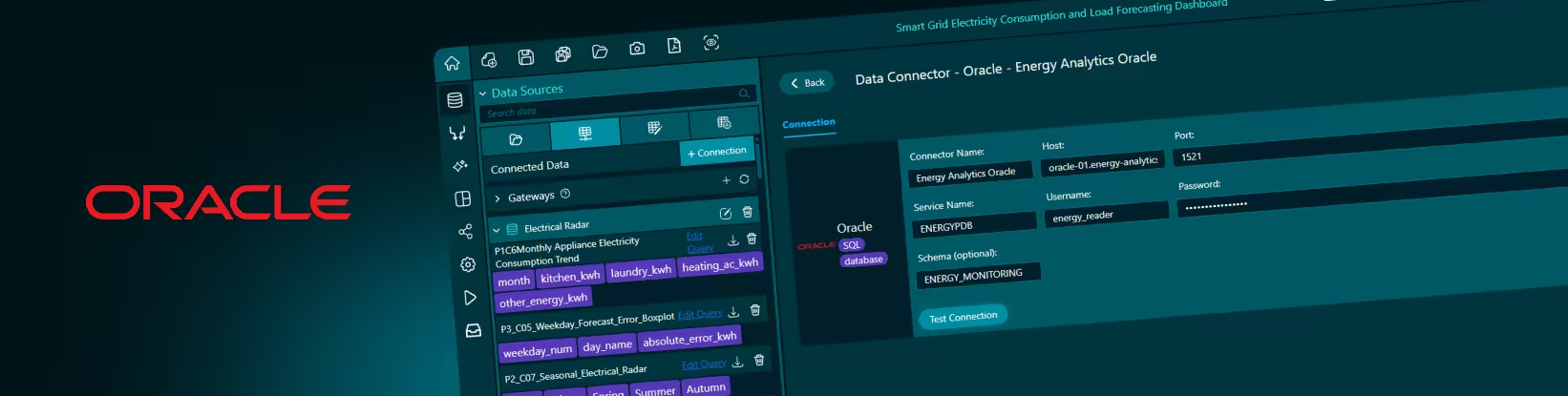
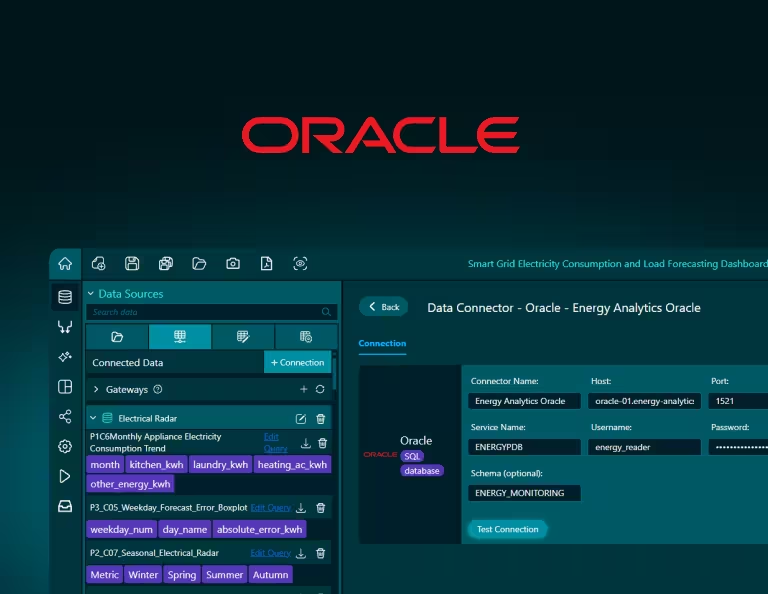
Dashtera’s Oracle connector lets users connect to an Oracle database, define query outputs, and use those results inside dashboards.

A typical Oracle connection may require details such as host, port, service name or SID, username, password, network access, and the required table, schema, view, or query permissions. Once connected, Oracle data can be mapped into Dashtera visualizations such as line charts, bar charts, KPI panels, tables, gauges, maps, and other dashboard components.

Teams can use Oracle tables directly, create reusable database views, or prepare dashboard-specific queries depending on the reporting and analytics workflow.

What users can do

Connect Oracle as a data source
Use Oracle as the backend for Dashtera dashboards.

Visualize SQL query outputs
Turn Oracle query results into interactive charts, KPIs, tables, gauges, maps, and dashboard panels.

Use database views for cleaner dashboards
Prepare reusable Oracle views to expose business-ready datasets to Dashtera.

Build dashboards for enterprise workflows
Create visual views for finance, operations, customer activity, transactions, inventory, reporting, and internal systems.

Share Oracle-backed dashboards
Make enterprise database insights easier to consume across technical teams, business teams, and leadership.


 

Example Use Cases

A finance team can use Oracle dashboards to monitor revenue, invoices, payments, transactions, account balances, refunds, cost centers, or financial operations. Instead of relying only on exported reports, teams can turn Oracle query results into dashboards that are easier to review and share.

An operations team can use Oracle-backed dashboards to track orders, inventory, supply chain activity, internal workflows, service requests, process status, or operational performance. Dashtera helps turn structured database records into visual monitoring views that support faster decisions.

A business intelligence team can use Oracle data to create executive dashboards for sales performance, customer activity, business KPIs, regional performance, product lines, or department-level reporting. Oracle remains the trusted enterprise data source, while Dashtera becomes the visual layer for analysis and communication.

For technical teams, Dashtera provides a faster way to build internal reporting and monitoring tools on top of Oracle. Database teams can control the query logic, permissions, and views, while end users interact with clean dashboards instead of raw tables.

Snowflake-powered-air-pressure-system-maintenance-risk-decision-intelligence

Technical Details

Dashtera’s Oracle integration is built for teams that want to turn structured enterprise database data into dashboard-ready visualizations.

Depending on your Oracle setup, users may need connection information such as host, port, service name or SID, username, password, network access, and table, schema, view, or query permissions.

For Oracle dashboards, teams can use raw tables, SQL queries, stored logic, or database views depending on the use case. Views are often useful when you want to prepare business-ready datasets, centralize joins, define metrics consistently, or expose only the fields needed for dashboarding.

Dashtera is built to handle serious data volumes. Send your query results into Dashtera and let its high-performance visualization engine do the work — rendering large, complex datasets into smooth, interactive dashboards without the lag you expect from traditional BI tools.

Want to see your data come to life?

Begin building your dashboards now, and unleash your creativity!