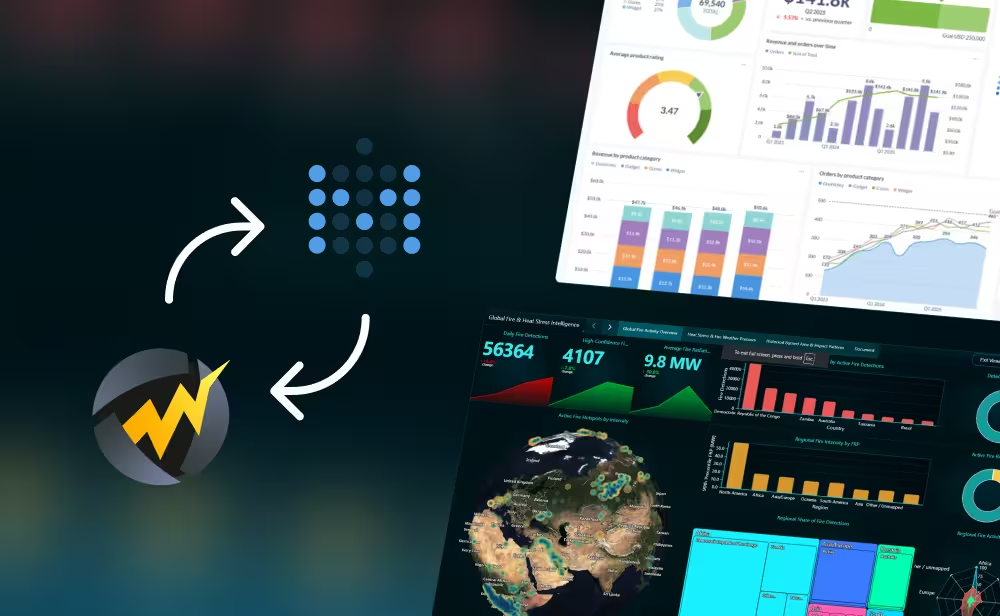
In today’s data-driven world, businesses need more than static charts and spreadsheets. They require real-time insights, scalable dashboards, and high-performance visualization tools to stay competitive. While Microsoft Excel has long been the go-to solution for data analysis, a new player—Dashtera—is redefining what’s possible for demanding use cases.
What is Dashtera?
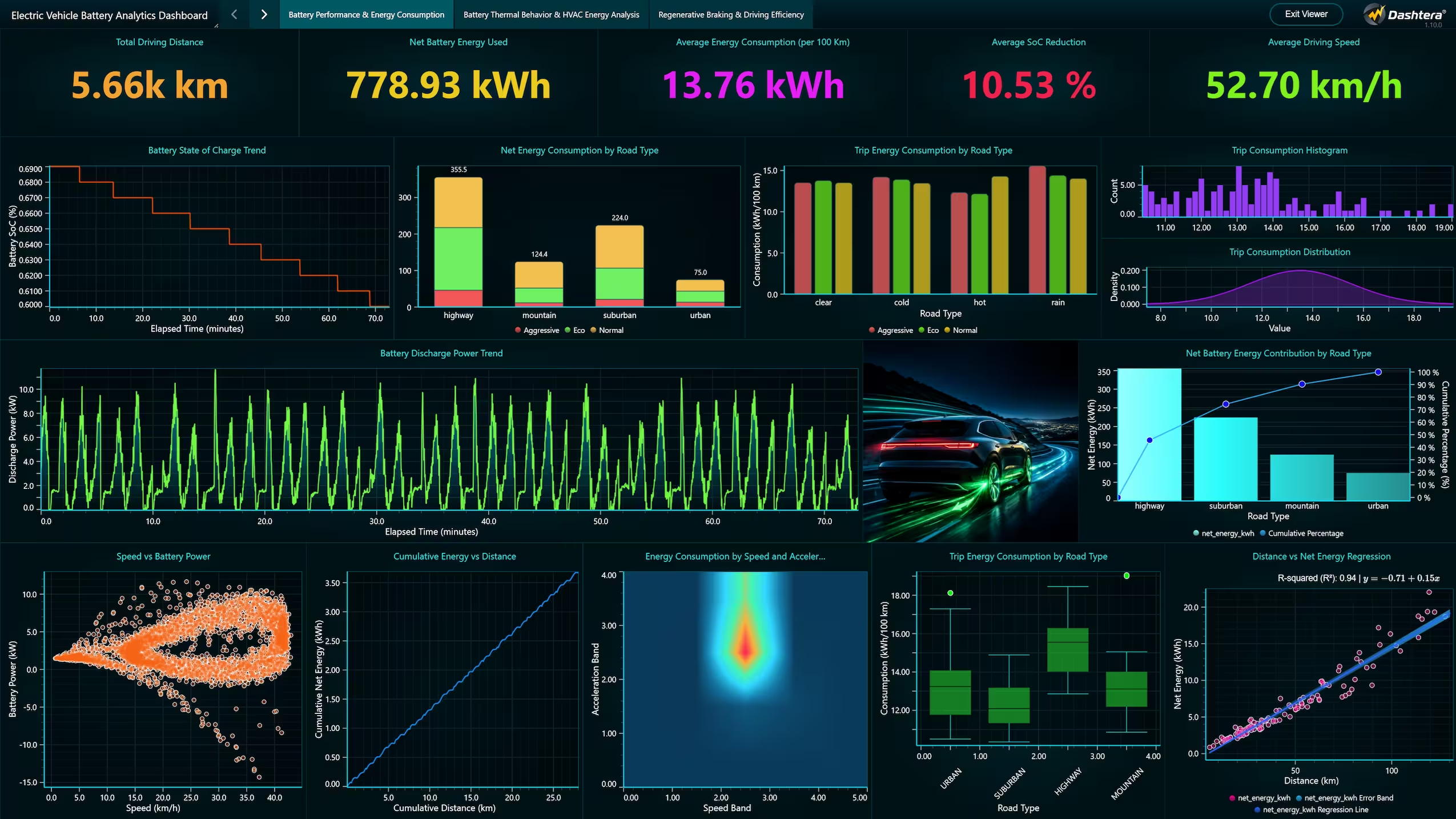
Dashtera is a cutting-edge, no-code dashboarding platform built on LightningChart technology. Designed for real-time analytics, Dashtera enables organizations to visualize massive datasets with GPU-accelerated performance. Whether you’re monitoring IoT sensors, financial markets, or industrial telemetry, Dashtera delivers speed, scalability, and precision.
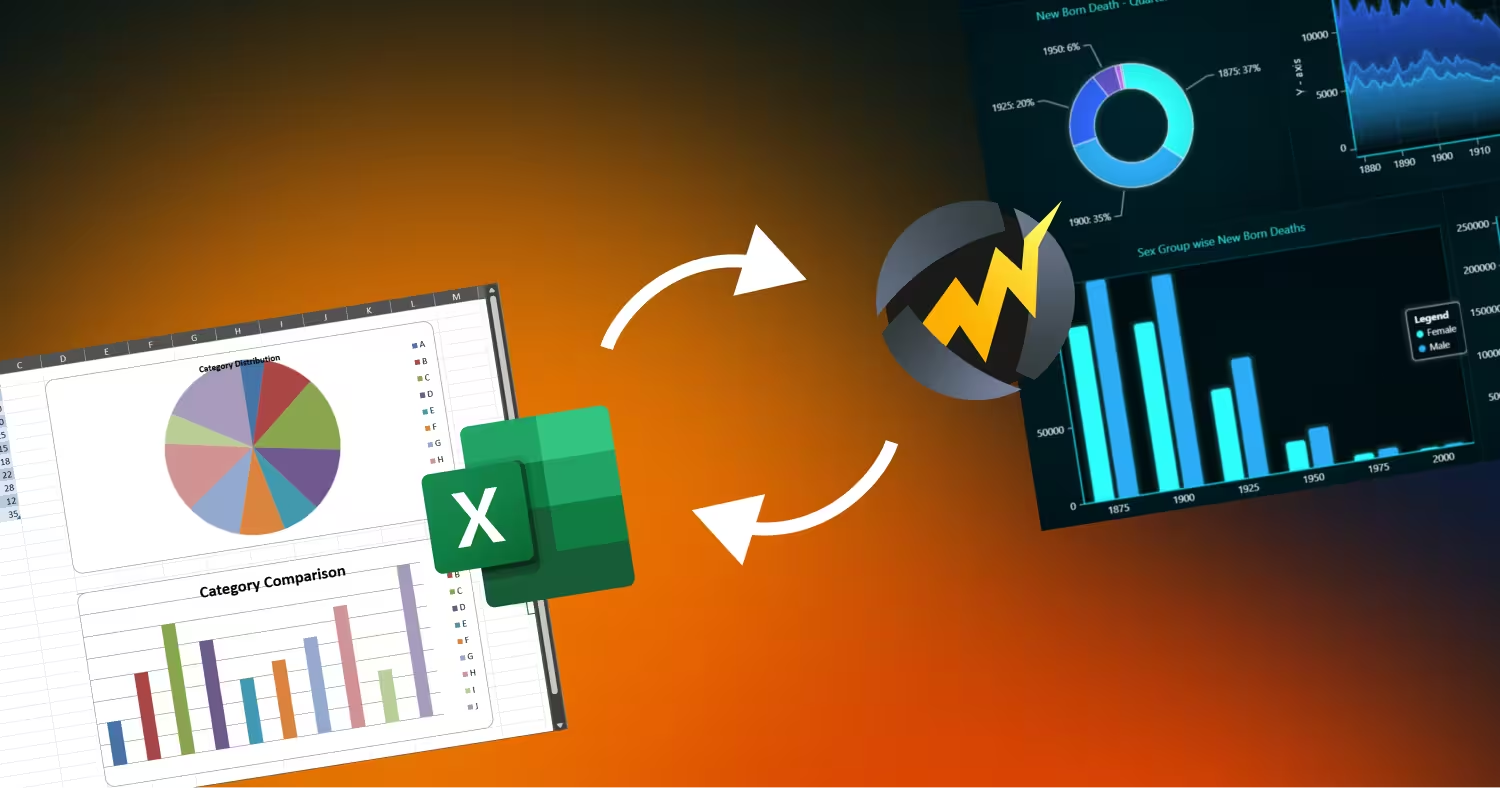
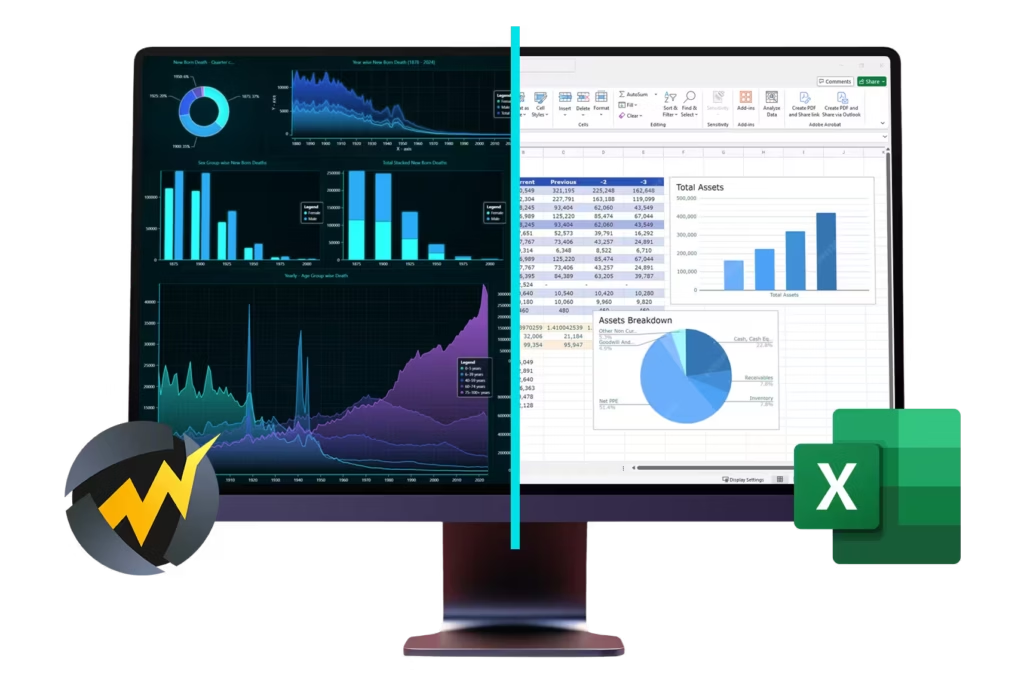
Dashtera vs Microsoft Excel
Here are some key differences between Microsoft Excel and Dashtera in terms of data visualization capabilities:
Real-Time Streaming
Dashtera: Supports live data feeds via InfluxDB, WebSocket, and Snowflake, ensuring dashboards update instantly. The charts can update data with millions of data points / second rates, with high refresh rates.
Microsoft Excel: Limited to manual refresh or scripted updates—unsuitable for high-frequency data.
Performance at Scale
Dashtera: Handles hundreds of millions of data points, thanks to GPU acceleration, and LightningChart’s work as high-performance data visualization technology pioneer.
Microsoft Excel: Struggles with large datasets, often leading to slow performance and crashes.
Test Case
The following test case demonstrates Microsoft Excel and Dashtera’s performance parameters of the visualization of a 1 million row and 2 data series dataset:
Solution
Opening delay
Zooming / panning
Dashtera
0.2 s
Yes. No delay.
Microsoft Excel Desktop
23 s
Not possible
Microsoft Excel On-line
Can’t visualize
Not possible
Advanced Visualisation
Dashtera: 90+ chart types, including high-performance 2D and 3D charts, polar plots, and technical analysis charts for complex scenarios.
Microsoft Excel: 40+ chart types and pivot tables. Includes basic 2D and 3D charts with limited capacity.
Ease of Use
Dashtera: Intuitive dashboard designer with No-code interface with drag-and-drop dashboard creation.
Microsoft Excel: Requires manual setup or VBA scripting for advanced interactivity.
Integration & Deployment
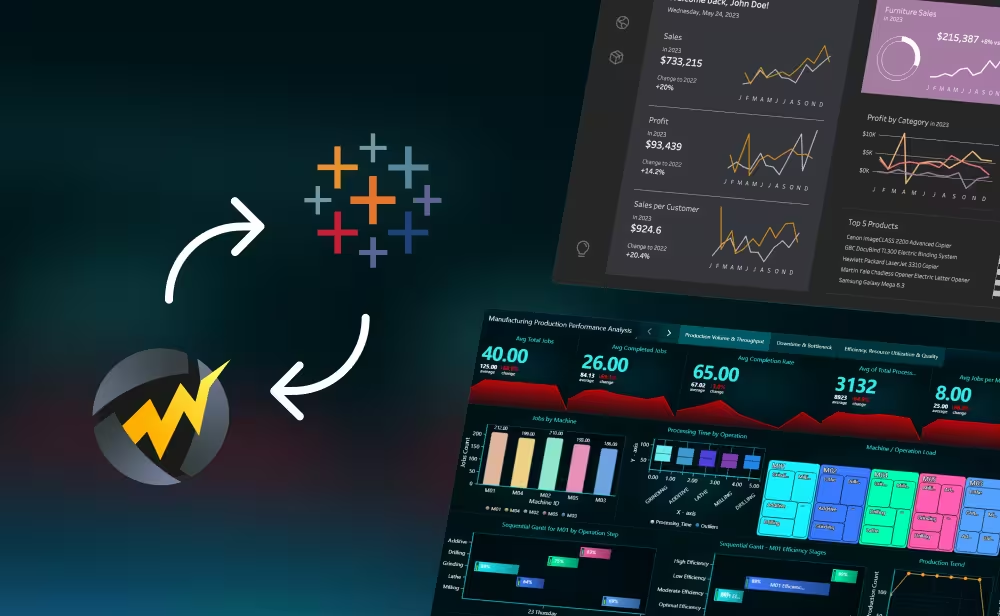
Dashtera: Connects seamlessly to SQL, JSON, CSV, and Excel files; deployable on cloud, on-premises, or hybrid environments.
Microsoft Excel: Strong integration within the Microsoft ecosystem.
Spreadsheets approach vs. Dashboard Designer Approach
Excel is a spreadsheet application focused on tables, data editing, and built-in functions, with charts and visualizations as secondary features. In contrast, Dashtera centers on dashboard design, offering high-performance graphics and data processing with support for functions to process the data to be visualized.
Why Dashtera is Ideal for Demanding Use Cases
Dashtera is purpose-built for industries where speed and accuracy are non-negotiable:
Finance: Real-time market monitoring and risk analysis.
Healthcare: High-frequency patient telemetry and predictive analytics.
Manufacturing & IoT: Sensor data visualization for process control and operational efficiency.
Science & Engineering: Advanced visualizations and performance dashboards.
Defense technologies: Situational awareness and real-time observability.
Conclusion
Dashtera isn’t just an alternative; it’s a paradigm shift. For organizations requiring speed, scalability, and precision in visualizing complex, real-time data—from IoT sensors to financial markets—Dashtera is the essential dashboarding platform that guarantees actionable, high-frequency insights and secures a competitive edge. Excel remains a spreadsheet, but Dashtera is demonstrably the future of high-performance data visualization.