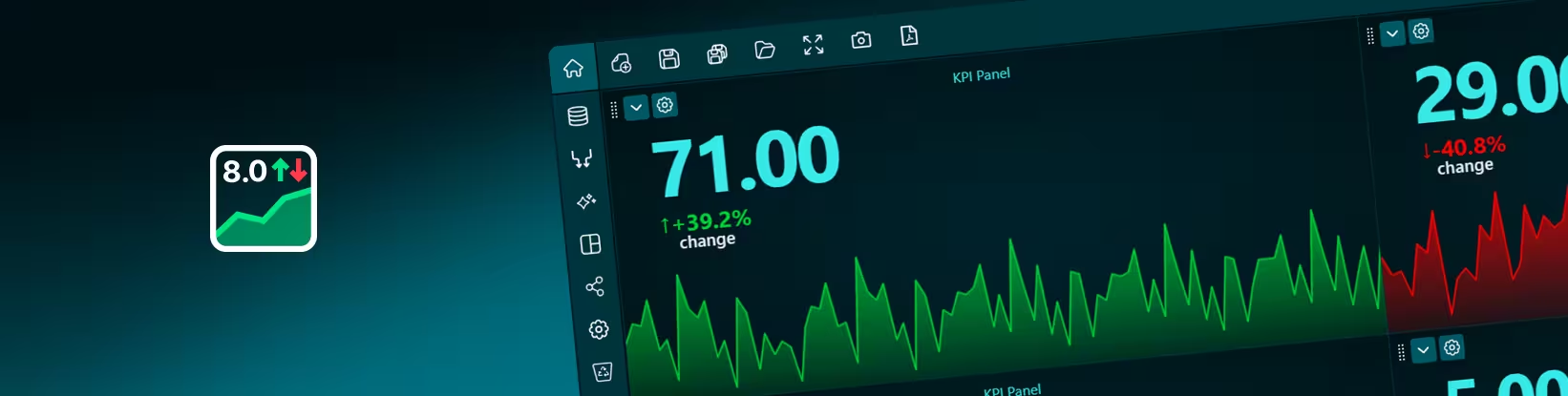
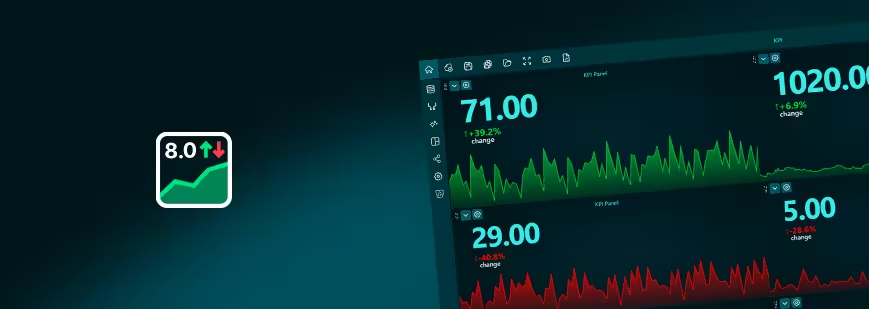
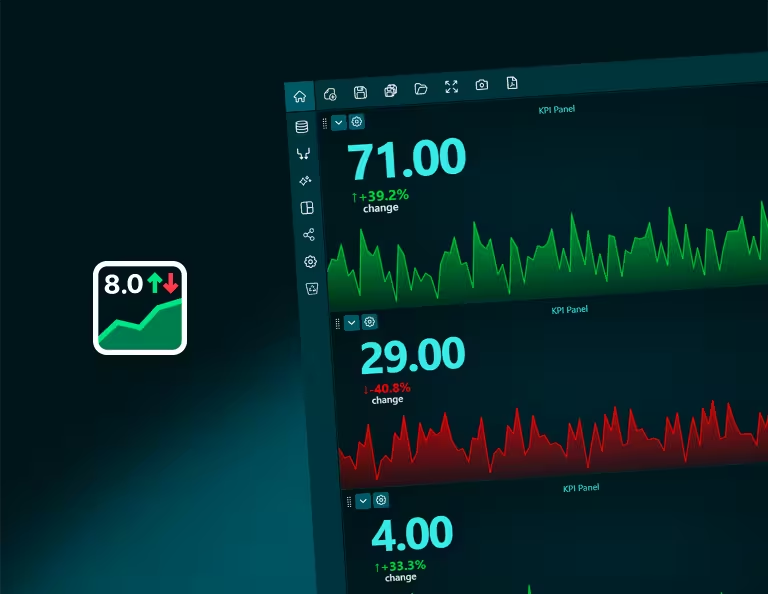
A KPI Panel highlights the most important metrics in your dashboard, allowing users to instantly understand performance without scanning multiple charts. It displays key values such as totals, percentages, or progress toward targets in a clear and compact format.
KPI panels are ideal for monitoring business performance at a glance. They are commonly used to track metrics like revenue, conversion rates, active users, or operational performance, helping teams quickly identify trends and determine whether results are meeting expectations.
In Dashtera, KPI panels can be connected to your datasets just like any other chart and added alongside other charts to create a clear summary view. They are often placed at the top of dashboards to provide a quick overview before users explore more detailed visualizations.
Bring your data to life with Dashtera
Start building your dashboards now and unleash your data insights.