

Explore our features
- Data Sources & Data Connectors
- Dashboard editor
- Basic charts
- XY charts
- 3D charts
- Bar charts
- Polar charts
- Technical analysis charts
- Statistics charts
- Maps
- Data filtering, grouping and aggregation
- Drill-down & Drill-through
- Other visuals
- Functions
- PDF reporting
- Easy dashboard sharing
- Export as PNG
- Themes
- Machine-Learning
Features
Functions

Features
Functions
Features
Functions
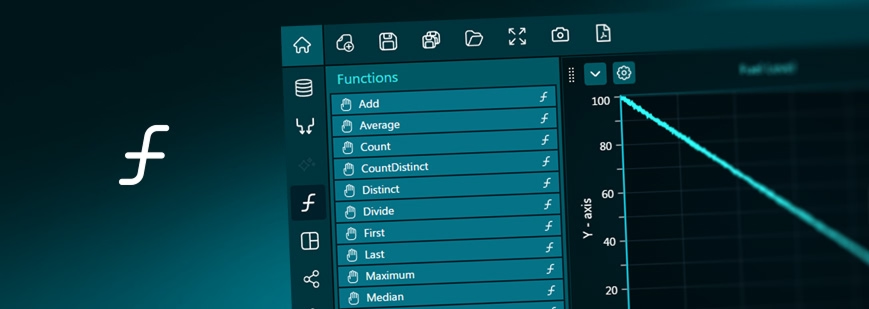
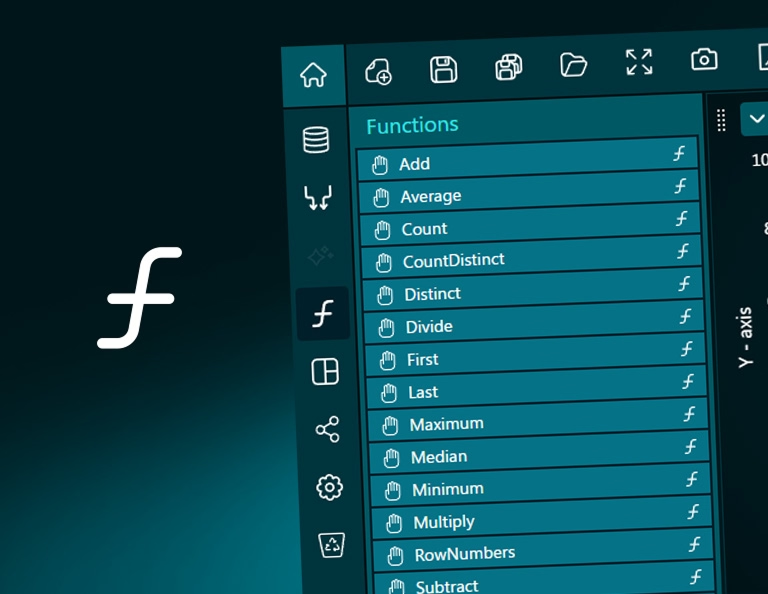
The Functions, found from the toolbar on the left, help to process data values, before they enter the charts to be visualized.

- Add function adds two or more data columns, and produces an array having sum row by row.
- Subtract function subtracts second column from the first, producing array of differences.
- Multiply function multiplies the first column with the second, producing an array of products.
- Divide function divides the first column with second, producing an array of quotients.

- Average gets an average of the column. If more than one column is assigned, gives an array of averages, column by column.
- Median gets the median (middle value) of the column. If more than one column is assigned, gives an array of medians, column by column.
- Minimum gets the minimum value of the column. If more than one column is assigned, gives an array of minimums, column by column.
- Maximum gets the maximum value of the column. If more than one column is assigned, gives an array of maximums, column by column.
- First gets the first value of the column. If more than one column is assigned, gives an array of first values, column by column.
- Last gets the last value of the column. If more than one column is assigned, gives an array of last values, column by column.
- Count gets the count of rows. If more than one column is assigned, gives an array of counts, column by column.
- CountDistinct gets the count of rows, doesn’t count duplicates. If more than one column is assigned, gives an array of counts, column by column.
- RowNumbers returns a sequence starting from 1 to the row count of assigned data.
- Sum gets the sum of values in the given column. If more than one column is assigned, gives an array of sums, column by column.

Please note, some chart types have data grouping and aggregation features. In them, some preprocessing functions (functions) are built in.
The Functions tremendously help building dashboards without having to use an external tool to pre-process/compute results from the given data for basic operations.
Bring your data to life with Dashtera
Start building your dashboards now and unleash your data insights.
