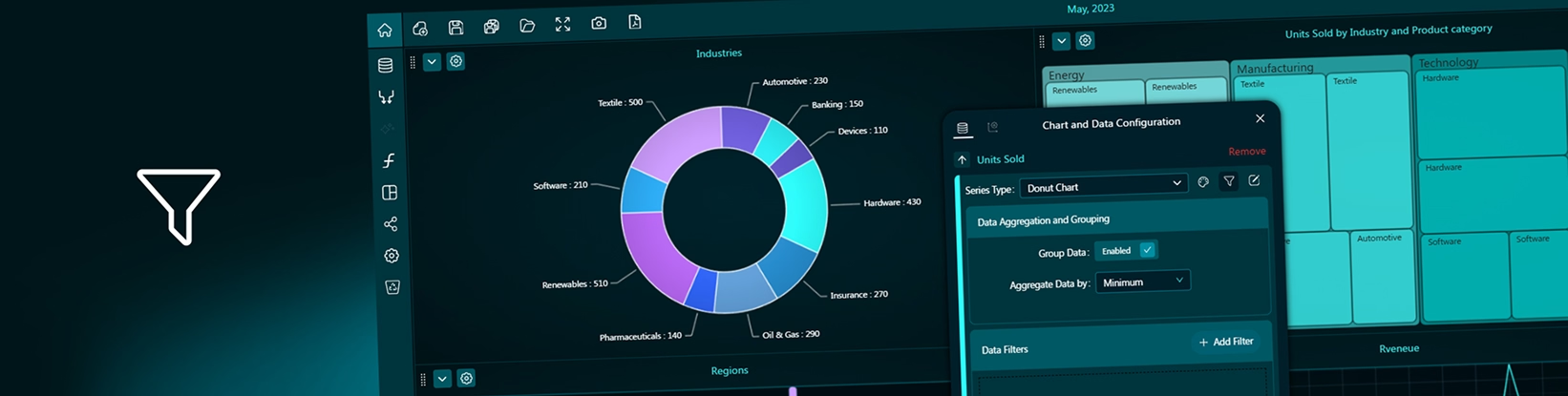
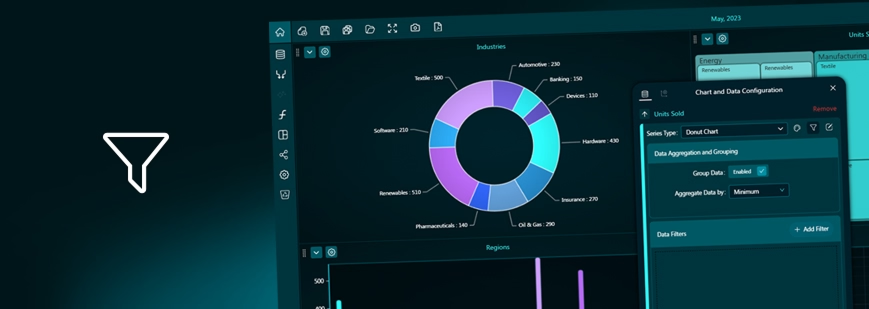
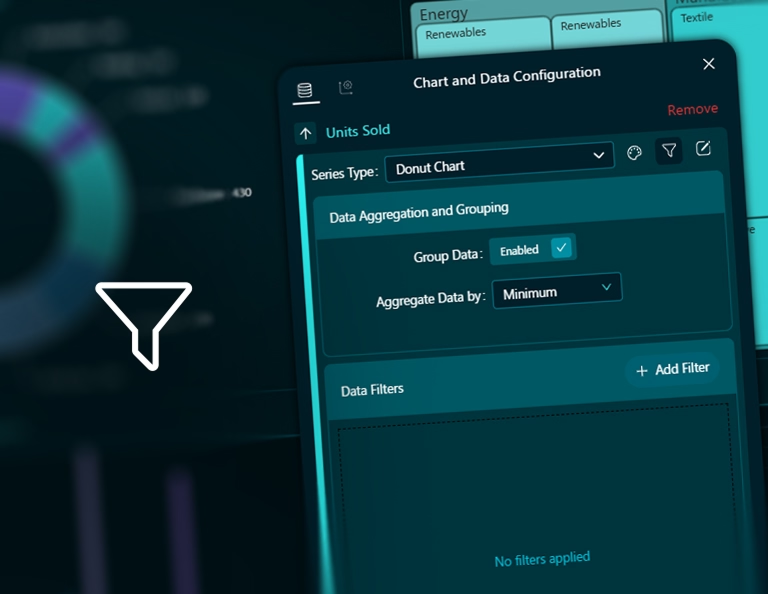
In Dashtera, users can enable grouping and aggregation from the Chart and Data configuration dialog. Once enabled, the data is automatically grouped and aggregated based on the selected aggregation method.
Users can choose from various aggregation options, such as Sum, Minimum, Maximum, or Count to summarize values within each group. This process simplifies interpretation and helps highlight patterns or trends that might otherwise be overlooked in raw datasets.
Filtering
Data filtering allows users to refine large datasets by displaying only the data that meets specific conditions, making analysis more focused and efficient. Filtering reveals hidden trends and patterns by removing irrelevant or unrelated data points.
Dashtera allows users to define custom filter conditions using AND or OR operators to create precise logic rules for the data shown in charts. Once an operator is selected, users can specify which data axis the filter will apply to, with the flexibility to create as many filters as needed, offering full control over the data view. Filters are chart-specific, and the available filtering options depend on the configuration of the selected chart type.
Bring your data to life with Dashtera
Start building your dashboards now and unleash your data insights.