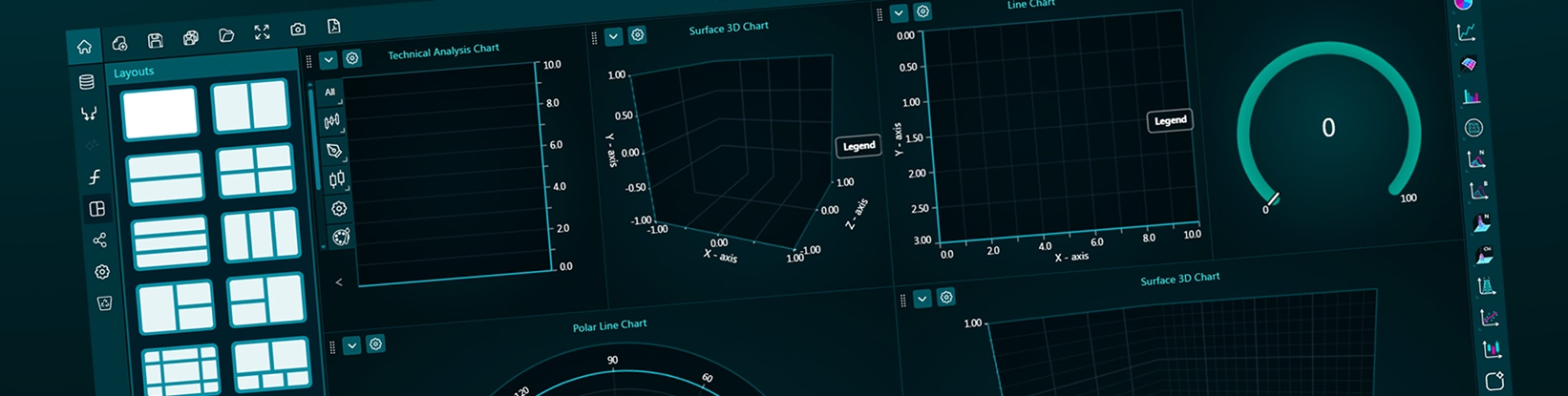
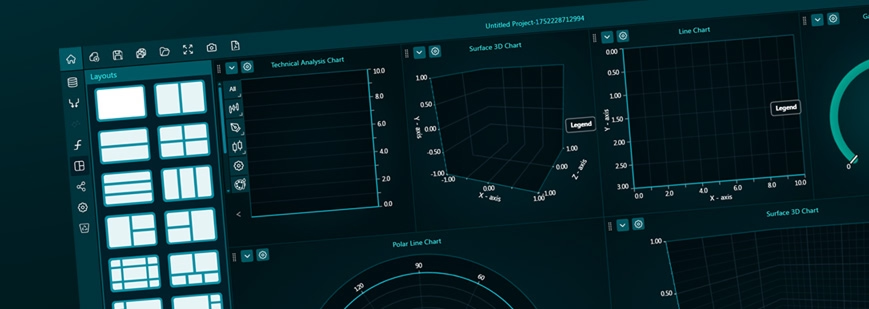
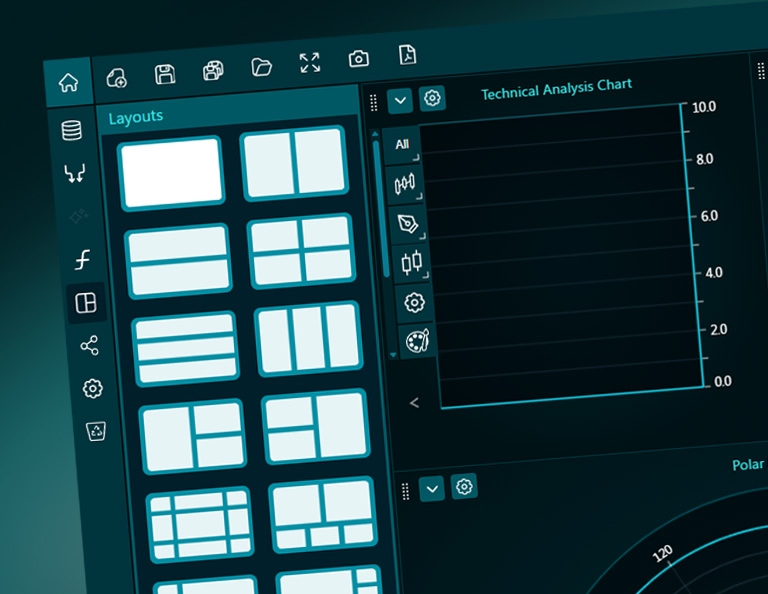
Dashtera’s intuitive dashboard editor enables creating stunning data analytics projects and reports, and making real-time observability and situation awareness dashboards. Charts can be selected from the Visuals Toolbar, and adding them to the dashboard with drag-drop is easy. The charts can be docked to edge of existing charts, making the allocated space split in half, vertically or horizontally. This enables nicely scaling dashboards to be created quickly, without having to manually set the size of the charts and define their docking attributes.
Data can be connected from various sources. Data can be analyzed in the dashboard editor itself, while the project is being edited. Instant zooming and data cursor functionality enables viewing the data efficiently. Once the dashboard is ready, it can be shared to viewers and even to social media with a few clicks.
Bring your data to life with Dashtera
Start building your dashboards now and unleash your data insights.