




 Senior Developer
Jarkko Tirkkonen
Senior Developer
Jarkko Tirkkonen
In 2026, the volume of data generated by IoT sensors, financial markets, and scientific research has surpassed the capabilities of traditional business intelligence tools. When “good enough” visualization starts to lag or crash, you need a specialized engine. The LightningChart ecosystem, centered around the Dashtera platform, serves as The Strategic Foundation, providing the hardware-level performance required to turn massive datasets into actionable insights.
Most visualization tools rely on the CPU and standard web technologies like SVG to render charts. While this works for basic bar graphs, it fails when you need to visualize millions of data points in real-time. This is known as the “Performance Wall.” LightningChart breaks this wall by offloading the entire rendering process to the GPU, allowing for smooth interactivity even with datasets exceeding 100 million points.
Best For: Executive Dashboards, Collaborative Research, and Rapid Cloud Deployment.
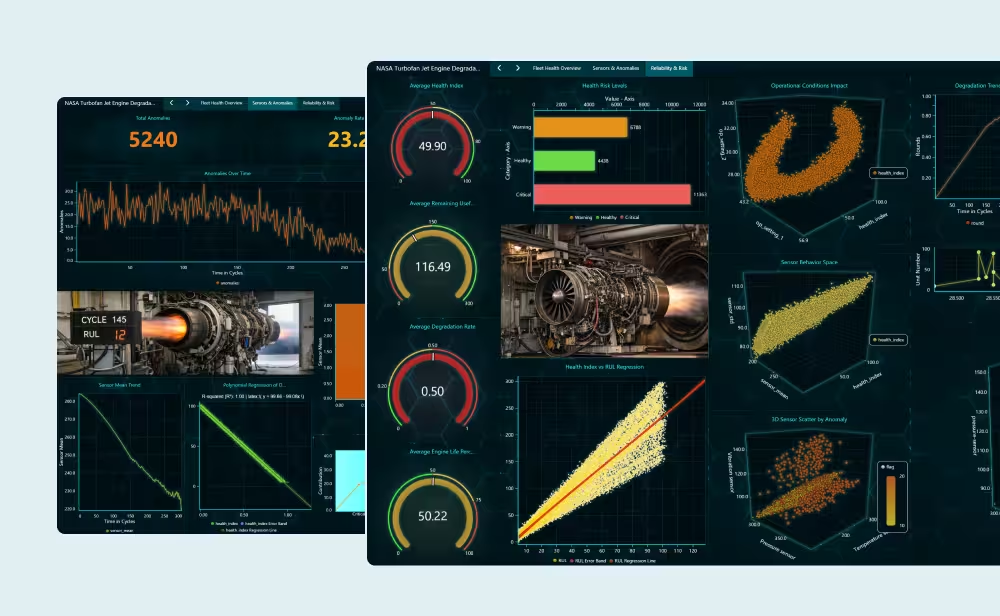
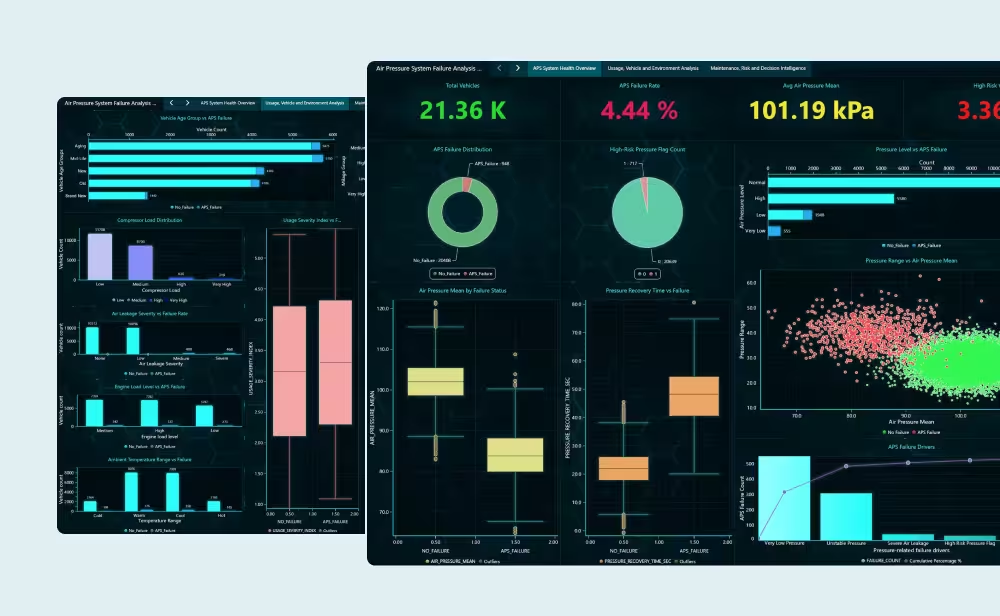
Dashtera is the pinnacle of the ecosystem. It is not just a library, but a full-scale SaaS platform designed for organizations that need high-performance dashboards without the overhead of building a custom infrastructure from scratch. Dashtera leverages the power of LightningChart JS but delivers it through a sophisticated, no-code interface.
If your goal is to create a centralized “Mission Control” where various teams can monitor live telemetry, share insights, and access high-frequency data from any browser, Dashtera is the strategic choice. It bridges the gap between raw data science and executive decision-making.
When your project requires deep integration into a custom software product, you choose a specific library based on your development environment.
Best For: Native Windows Applications, Medical Imaging (MRI/CT), and Industrial Control Systems.
For developers building standalone Windows applications using WPF or WinForms, LightningChart .NET remains the world’s fastest charting library. It communicates directly with DirectX, providing the lowest possible latency. In environments where every microsecond counts such as real-time patient monitoring or aerospace telemetry the .NET version offers a level of stability and raw power that web-based alternatives cannot match.
Best For: SaaS Platforms, Cross-Platform Web Apps, and IoT Monitoring.
The web used to be a place for static data. LightningChart JS changed that by bringing WebGL-accelerated rendering to the browser. This library is the engine behind Dashtera and is the perfect choice for developers building modern web applications that need to handle high-frequency data streams. It allows for high-density charts that stay responsive on mobile devices and desktops alike.
Best For: Machine Learning, Quant Research, and Scientific Prototyping.
Historically, Python developers were forced to trade ease of use for performance. Libraries like Matplotlib simply cannot handle the data volumes required in 2026. LightningChart Python solves this by providing a Pythonic API that taps into the high-speed GPU engine. It is the essential tool for researchers who need to visualize 100M+ data points directly within their data science workflows without the lag of traditional plotting libraries.
While the core libraries provide the engine, the Trader Series and specific industry optimizations ensure that the visualization is tailored to the unique demands of the Fintech sector.
Standard charts are built for time and value. Financial charts, however, are built for volatility and volume. The Trader Series (.NET, JS, and Python) is specifically optimized for Open-High-Low-Close (OHLC) data, order book heatmaps, and high-frequency tick analysis.

To simplify your choice, consider the following technical alignment:
Requirement | Recommended Product | Key Advantage |
Enterprise Monitoring | Dashtera | Cloud-ready, collaborative, no-code/low-code. |
Native Windows Speed | LC .NET | Lowest latency, DirectX native, extreme reliability. |
Web-Based SaaS | LC JS | High-speed WebGL, cross-platform, mobile-ready. |
AI / Data Science | LC Python | GPU-power for NumPy/Pandas, seamless integration. |
Fintech / Trading | Trader Series | Optimized OHLC and Tick-level data. |
Across the entire ecosystem, we maintain a focus on Data Integrity. As discussed in our technical deep-dives, while standard BI tools often “sample” or “average” data to maintain performance, LightningChart renders the raw signal. By utilizing High-Precision Coordinate Systems and full 64-bit float support, we ensure that when you zoom from a year’s view down to a single microsecond, the data remains mathematically accurate and visually stable.
For a technical lead, the choice often boils down to the execution environment and how the library manages system resources. In 2026, the gap in visual quality has vanished, but the architectural implementation remains distinct.
The fundamental difference lies in how these libraries talk to the GPU:
How the data is stored before it reaches the screen determines the library’s stability under load.
Feature | LightningChart .NET | LightningChart JS |
Data Structure | Highly optimized Struct Arrays. | Heavy use of TypedArrays (Float32/Float64). |
Memory Control | Manual control over garbage collection and pinned memory. | Managed by the browser’s engine, optimized for minimal heap fragmentation. |
Threading | Native Multi-threading support for data pre-processing. | Leverages Web Workers to keep the UI thread responsive. |
The “feel” of the code reflects the ecosystem it lives in:

When we move from the standard libraries to the Trader Series, the API shifts from general-purpose plotting to Fintech-specific logic.
Advanced Candlestick Performance
In the Trader versions, the libraries include specialized “Trading Series” objects. Standard charting libraries often struggle with OHLC (Open-High-Low-Close) data because each candle is an object.
In the LightningChart Trader Series, candles are rendered as a single optimized primitive. Whether you are using LC .NET Trader for a high-frequency trading terminal or LC JS Trader for a web-based brokerage, the engine can handle:
The “Native” Rule: If your application is a mission-critical tool that must run on a closed local network with zero dependency on a browser (e.g., a flight simulator or a surgery monitor), LightningChart .NET is the only logical choice. Its access to native hardware resources remains unmatched.
The “Anywhere” Rule: If you need to deliver high-performance analytics to a global team across Windows, macOS, and mobile devices without sacrificing the ability to see every single data point LightningChart JS (and by extension Dashtera) is the superior architecture.

When evaluating integration difficulty, we look at the time-to-value (TTV) and the specific skill set required to get a professional result.
Product | Integration Level | Typical Skill Set | Setup Time |
Dashtera | No-Code / Low-Code | Data Analyst / Power User | Minutes |
LC Python | Scripting API | Data Scientist / Researcher | Hours |
LC JS | Frontend Library | Web Developer (React/TS) | Days |
LC .NET | Native Component | Systems Engineer (C#) | Weeks |
Dashtera is designed for organizations that need the speed of LightningChart without the overhead of maintaining a private codebase.
Python integration is surprisingly straightforward because it bridges the gap between complex science and easy scripting.
Integrating into the web ecosystem requires understanding modern build tools and frontend lifecycles.
This is the “Formula 1” of integration—it offers the most power but requires a skilled driver.
If you are a developer tasked with “making it work by Friday,” Dashtera or LC Python are your best friends. If you are building a proprietary medical device or a specialized trading terminal that will be sold as a standalone product, the time investment in LC .NET or LC JS is the only way to achieve that “unbreakable” performance.
Choosing the right tool is about matching your environment with your data density:
Regardless of the choice, you are moving from a world of “visual representations” to a world of “visual reality,” where the hardware is finally fast enough to keep up with your data.