



 Senior Developer
Jarkko Tirkkonen
Senior Developer
Jarkko Tirkkonen
The evolution of data-driven decision-making has reached a critical inflection point in 2026. While the previous decade was defined by the democratization of data through user-friendly business intelligence platforms, the current era is defined by the sheer velocity and volume of information generated by automated systems. In this landscape, professionals frequently encounter a performance ceiling when using traditional tools. Tableau has long been regarded as the gold standard for visual storytelling and business reporting, offering an unparalleled canvas for creative data exploration. However, for engineers and analysts working with high-frequency sensor data, complex financial instruments, or large-scale technical telemetry, the “Business Intelligence Wall” is a very real technical barrier. Choosing between Dashtera and Tableau is no longer just a question of preference but a strategic decision based on the fundamental architecture of the data itself.
The Standard Bearer: Tableau and the Art of Business Intelligence
Tableau earned its reputation by transforming the way organizations interact with relational data. Its primary design goal was to make data accessible to everyone, regardless of their technical background. By abstracting the complexity of database queries into a drag-and-drop interface, it allowed business users to create sophisticated dashboards that could reveal trends in sales, marketing, and logistics. The strength of Tableau lies in its visual flexibility and its ability to connect to an enormous variety of traditional data sources. It is a tool built for the “Storyteller,” someone who needs to communicate insights to stakeholders in a clear, aesthetically pleasing, and highly formatted manner.
At its core, Tableau is designed for high-level aggregation and reporting. It excels when the data is structured, relatively static, and intended for periodic review. Whether it is a monthly financial update or a quarterly sales performance review, Tableau provides the features needed to slice and dice information across multiple dimensions. It thrives in environments where the primary objective is to understand historical performance and forecast future outcomes based on established business metrics. For a corporate analyst, Tableau is the ultimate sandbox for discovering relationships within customer behavior or supply chain efficiency.
The Performance Orchestrator: Dashtera and the Technical Analytics Shift
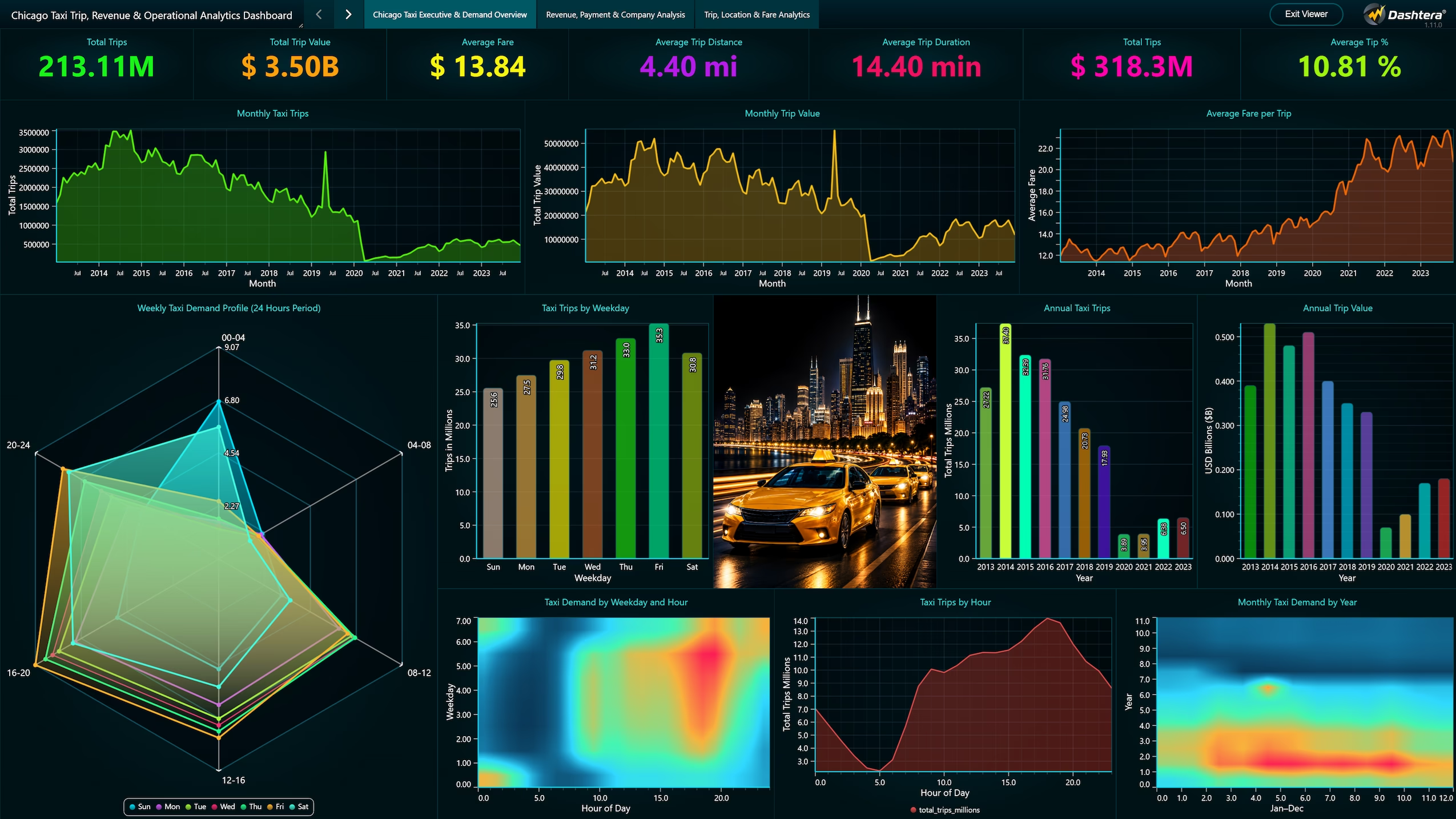
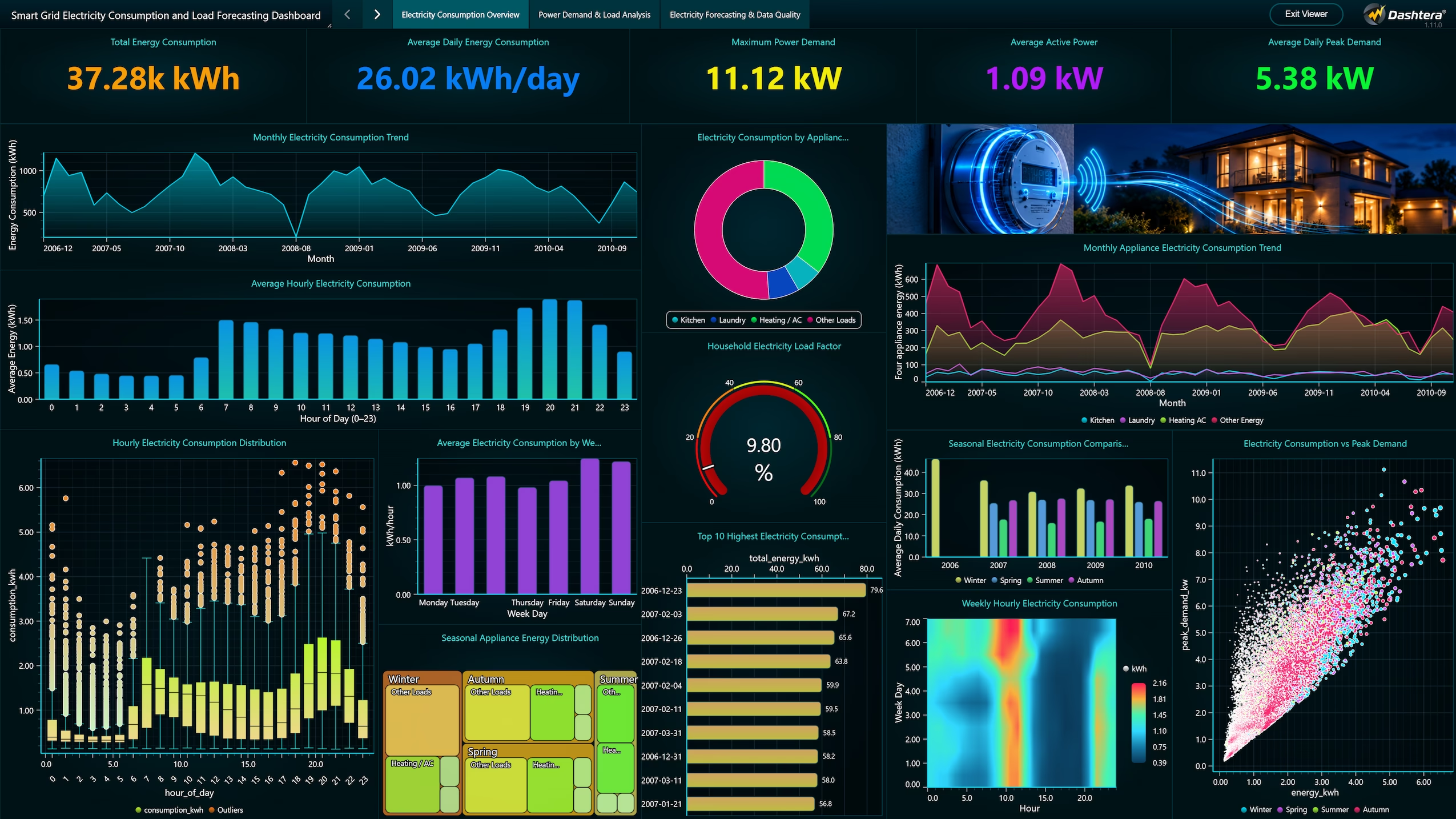
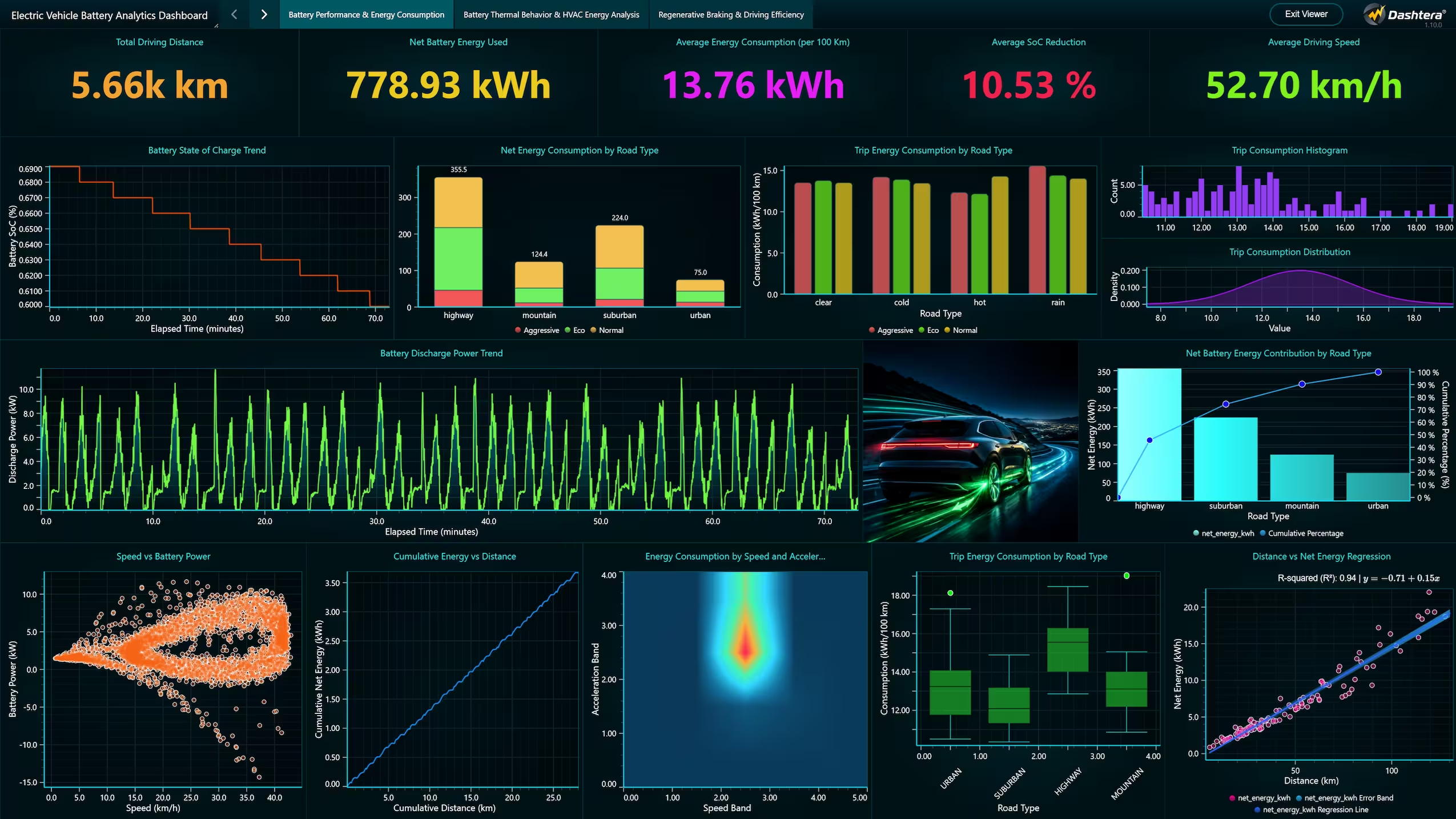
As technical fields have advanced, the data they produce has outpaced the capabilities of general-purpose reporting tools. This is where Dashtera enters the ecosystem, not as a replacement for business reporting, but as a specialized platform for high-performance technical analytics. Dashtera is architected from the ground up to solve the specific challenges of data density and velocity. While Tableau focuses on the presentation of summarized information, Dashtera focuses on the real-time exploration of raw, high-resolution data. It is a tool built for the “Operator” and the “Engineer,” individuals who need to see the data exactly as it happens, without the delays introduced by traditional processing layers.
Dashtera leverages GPU acceleration to bypass the rendering bottlenecks that plague standard web-based visualization tools. In a professional technical workflow, a delay of even a few hundred milliseconds can be the difference between identifying a critical system anomaly and missing it entirely. Dashtera provides an environment where users can interact with millions of data points with the same fluidity they might expect from a basic bar chart in a simpler tool. This performance focus makes it the primary choice for industries like aerospace, industrial automation, and medical sciences, where the integrity of a high-frequency signal is paramount.
Understanding the functional differences between these two solutions requires a look at how they handle the rigors of modern technical data. The following table highlights the architectural and feature-set distinctions that matter most to technical professionals.
Capability | Tableau | Dashtera |
Data Volume Handling | Optimized for millions via extracts | Built for hundreds of millions via GPU |
Rendering Architecture | Primarily CPU-based / DOM / Canvas | Full GPU acceleration via WebGL |
Real-time Velocity | Refresh intervals in minutes/seconds | Sub-millisecond, 60+ FPS updates |
Interactivity Latency | High when datasets exceed 10M points | Near-zero latency at massive scale |
Data Storytelling | Best-in-class formatting and narrative | Focused on analytical precision |
Technical Chart Types | Limited specialized engineering views | Comprehensive 3D, XY, and polar charts |
Data Connectivity | Vast library of business connectors | Specialized for high-speed technical streams |
Workflow Integration | Enterprise-wide reporting and sharing | Technical monitoring and deep exploration |

One of the most significant technical differences between Tableau and Dashtera is how they manage data for visualization. Tableau frequently relies on its “Hyper” in-memory data engine. To maintain performance with large datasets, users are often encouraged to create “Extracts.” An extract is essentially a compressed snapshot of the data that is stored locally or on a server to speed up query times. While this is a brilliant solution for business reporting, it introduces a fundamental conflict for technical users: the data on the screen is a static representation of the past.
When a dashboard relies on an extract, the information is only as current as the last refresh cycle. For an engineer monitoring a live test flight or a data scientist tracking real-time market fluctuations, a “live” connection in Tableau often results in significant lag, as the tool must re-query the database and re-render the entire view for every update. This creates the infamous “spinning wheel” of latency that can hinder critical decision-making.
Dashtera addresses this problem by moving the heavy lifting to the GPU. Instead of relying on extracts to hide performance weaknesses, Dashtera renders live data streams in real-time. This allows for a continuous, high-fidelity view of the data that is always current. For a technical professional, this means that the visualization is an accurate reflection of the sensor or the system at that exact moment. There is no need to compromise between data currency and rendering speed. The ability to visualize millions of points of live data at sixty frames per second is a capability that resides outside the architectural scope of traditional BI platforms.
The way a user interacts with data is just as important as the data itself. In Tableau, interactivity is often designed around filtering and drill-down operations. A user clicks on a region to see the sales for that area, or they adjust a slider to change the time range. While these interactions are intuitive, they are often discrete actions that require the dashboard to recalculate and refresh. At smaller scales, this is unnoticeable, but as the dataset grows, the feedback loop between the user’s action and the tool’s response becomes strained.
Technical exploration requires a more fluid form of interactivity. Engineers often need to “scrub” through timelines, zooming in and out of specific anomalies with the same smoothness one would expect from a professional video editing suite. This “direct manipulation” of the data is essential for identifying patterns that only emerge at specific scales. Because Dashtera is GPU-accelerated, the interactivity is decoupled from the data processing thread. This ensures that even if the system is processing millions of new data points, the user’s ability to pan, zoom, and explore remains perfectly smooth. This level of responsiveness reduces cognitive load and allows the analyst to stay in a “flow state” during the investigation of complex datasets.
The term “real-time” is used frequently in the software industry, but its definition varies wildly depending on the context. In the world of business intelligence, real-time might mean a dashboard that updates every five to fifteen minutes. This is more than sufficient for tracking retail transactions or website traffic. However, in technical fields, real-time is often defined in milliseconds. An industrial process monitoring system cannot wait five minutes to alert an operator that a turbine’s vibration levels have exceeded safe limits.
Dashtera is built specifically for this high-velocity reality. It is designed to handle “firehose” data streams where updates occur hundreds or thousands of times per second. The platform’s ability to ingest and immediately visualize these streams without intermediate storage or heavy pre-processing is a significant technical advantage. For professionals who are “hitting the limits” of what tools like Tableau can do, the move to Dashtera is often driven by this need for immediate, high-resolution visibility. When your data is moving at the speed of electricity or mechanical motion, your visualization tool must be able to keep pace.
Tableau offers a smaller set of chart types compared to Dashtera and its “Show Me” feature is excellent for guiding users toward the most effective visual for their data. However, the library is primarily geared toward business communication. While it is possible to create more complex visuals in Tableau, it often requires significant workarounds or “hacks” that are difficult to maintain and even harder to scale.
Professional technical analytics require a different set of visual tools. Engineers frequently need to work with XY charts that feature non-linear scales, polar plots for directional data, and advanced 3D spectrograms for frequency analysis. Dashtera provides these specialized chart types as native components. These are not just visual representations but interactive analytical environments that can handle the specific data structures common in scientific and engineering work. For example, a 3D surface plot in Dashtera can represent a complex terrain or a multi-dimensional stress test with millions of points, all while allowing the user to rotate and inspect the model in real-time. This level of technical depth is rarely found in general-purpose BI platforms because it requires a level of graphical performance that those tools simply were not designed to deliver.
There is a specific point in the growth of a technical project where traditional BI tools transition from being an asset to a liability. This often happens when the “signal-to-noise” ratio becomes difficult to manage. In a tool like Tableau, the standard approach to handling massive datasets is aggregation. While this makes the data easier to digest for a business audience, it can be dangerous in a technical context. Aggregation effectively smooths out the data, which can hide the very outliers and anomalies that an engineer is looking for.
Imagine a medical research team monitoring bio-signals during a critical experiment. If their visualization tool is aggregating data to maintain performance, a micro-second spike in heart rate or brain activity might be averaged out and never appear on the screen. This is a primary reason why technical professionals are moving toward platforms like Dashtera. The ability to see the raw data in its entirety, without forced aggregation, is a requirement for high-stakes analysis. When the cost of missing a single data point is high, the architectural limitations of traditional BI become unacceptable.
It is helpful to view the relationship between Dashtera and Tableau not as 1:1 competition, but as a division of labor within the enterprise. Tableau is the undisputed leader for enterprise reporting. It is the tool that management uses to understand the health of the business, track strategic goals, and share insights across the organization. Its governance features, integration with Salesforce, and robust sharing capabilities make it an essential part of the modern corporate stack.
Dashtera handles business reporting efficiently, but the key differentiating factor is the operation observability. It is used on the front lines by the people who are actually building, monitoring, and maintaining the systems that generate the data. It is for the control room, the laboratory, and the engineering workstation. While Tableau tells the story of what happened, Dashtera shows the reality of what is happening. By integrating both into a technical workflow, an organization can ensure that it has the right level of visibility at every stage of the data lifecycle.
For a technical tool to be effective, it must fit into the existing workflows of the people using it. Tableau has a well-established ecosystem of connectors and an API that allows for a degree of customization. However, its workflow is fundamentally “offline” in nature, the user collects data, builds a workbook, and publishes it for others to view. This is a linear process that works well for reporting.
Dashtera is designed for a more dynamic and integrated workflow. It supports native connections to high-performance data sources that are common in engineering, such as SQL databases optimized for time-series data and real-time streaming APIs. The platform’s dashboard editor is built for speed, allowing an engineer to go from a new data stream to a fully functional, high-performance dashboard in minutes. This speed of deployment is crucial in technical environments where requirements can change rapidly during a project. Furthermore, because Dashtera is built for the web but powered by the GPU, it provides a high-end desktop-like experience within a standard browser, making it easy to share live, interactive views with a global team without sacrificing performance.

Organizations that attempt to force traditional BI tools to handle technical data often find themselves facing a mounting “technical debt.” This debt manifests as hours spent optimizing extracts, writing complex workarounds to simulate real-time updates, and dealing with the frustration of slow, unresponsive dashboards. The hidden cost of using the wrong tool is the lost productivity of highly skilled engineers and analysts who are forced to spend their time managing the limitations of the software rather than analyzing the data.
By adopting a performance-oriented platform like Dashtera, organizations can bypass these limitations entirely. The investment in a tool that is architected for the scale and speed of modern technical data pays for itself in the form of faster insights, more reliable monitoring, and a more productive technical team. As we move further into an era of automated systems and pervasive sensors, the ability to visualize and understand data at its natural scale will be a primary driver of technical innovation.
The choice between Dashtera and Tableau is ultimately about matching the right tool to the specific mission. If your goal is to create beautiful, narrative-driven dashboards for business stakeholders based on relational data, Tableau remains the most capable and flexible choice in the market. Its ability to turn data into a compelling story, and its place in the business world is well-deserved.
However, the true strategic advantage emerges when we look beyond departmental silos. While Dashtera is engineered to dominate the exploration of high-frequency, high-density technical data where traditional BI fails, this extreme capability makes it uniquely qualified to serve as a unified data visualization platform for the entire enterprise.
If a platform provides the GPU-accelerated power required to navigate complex engineering timelines in real-time, it can effortlessly handle the reporting dashboards required by sales, finance, and business teams. By selecting a single, powerful tool that solves the most demanding technical needs alongside everyday business requirements, organizations can eliminate redundant licensing and infrastructure. The transition to Dashtera is more than just acquiring a specialized technical tool. It is a strategic consolidation that ensures significant enterprise savings and guarantees that every team, from the server room to the board room, operates with the same level of high-performance visibility.
Share: